
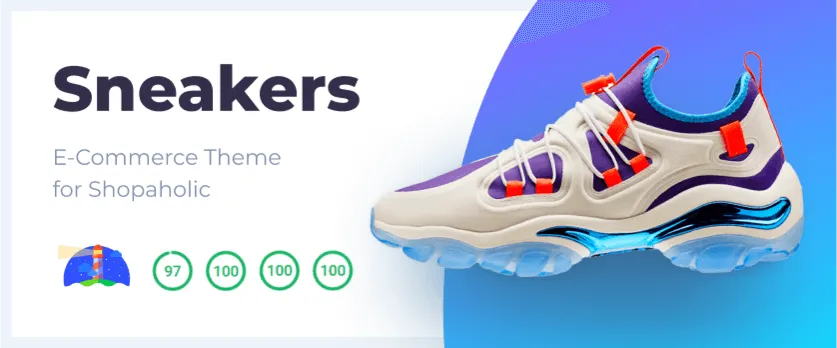
Main Features
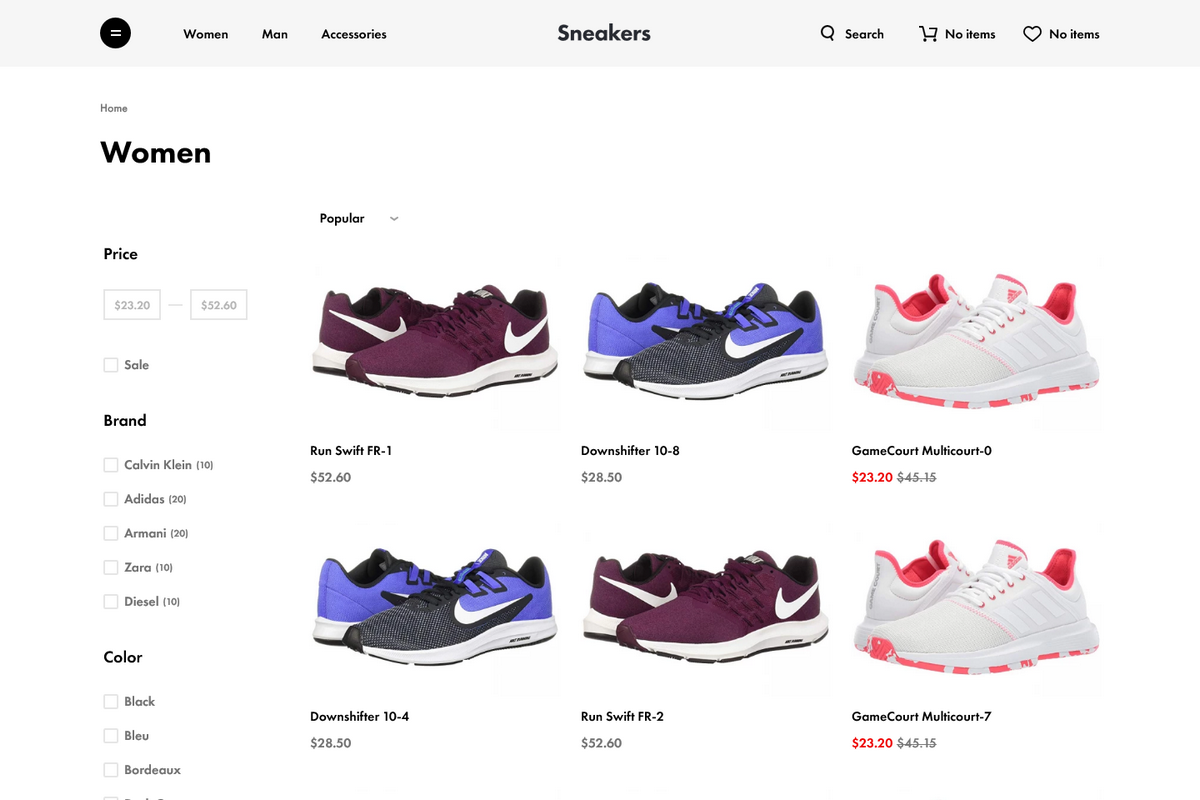
- Catalog mutually exclusive filtering & sorting
- Catalog full-text search
- Product gallery
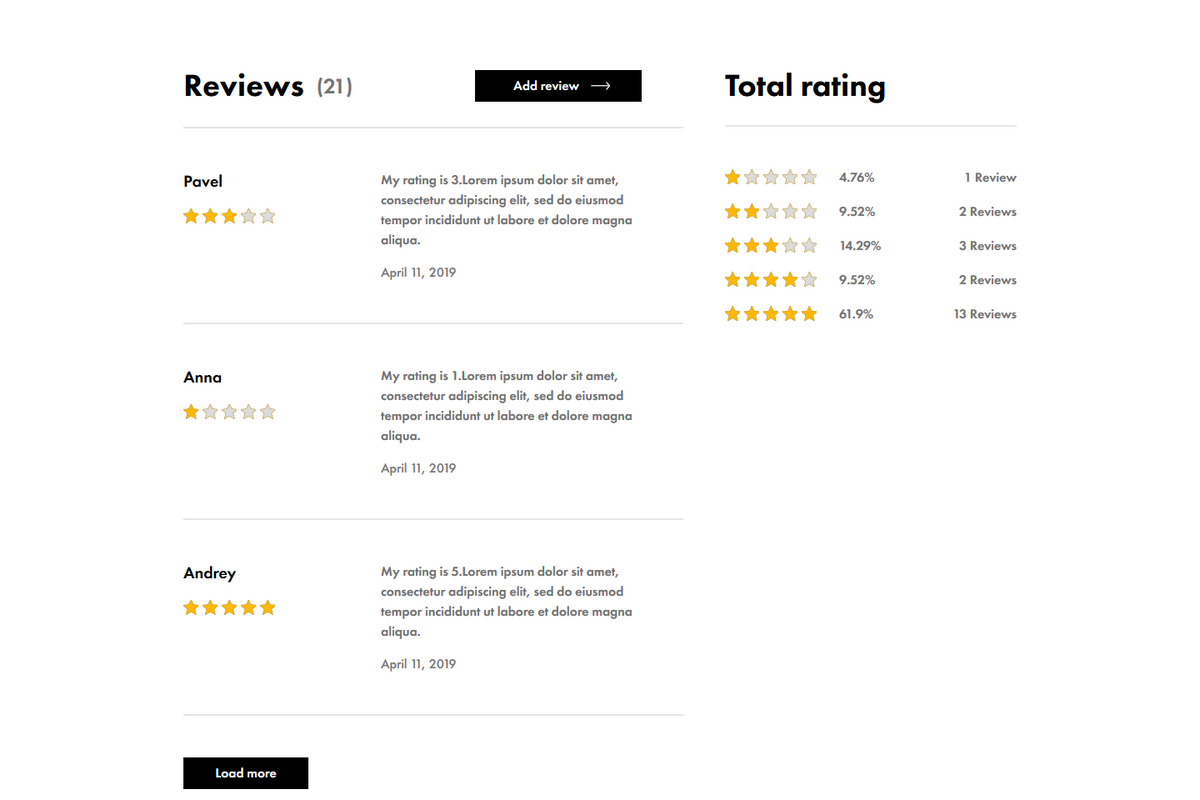
- Product reviews
- Cross sale & Upsale options
- Blog with posts sharing
- Newsletter subscription
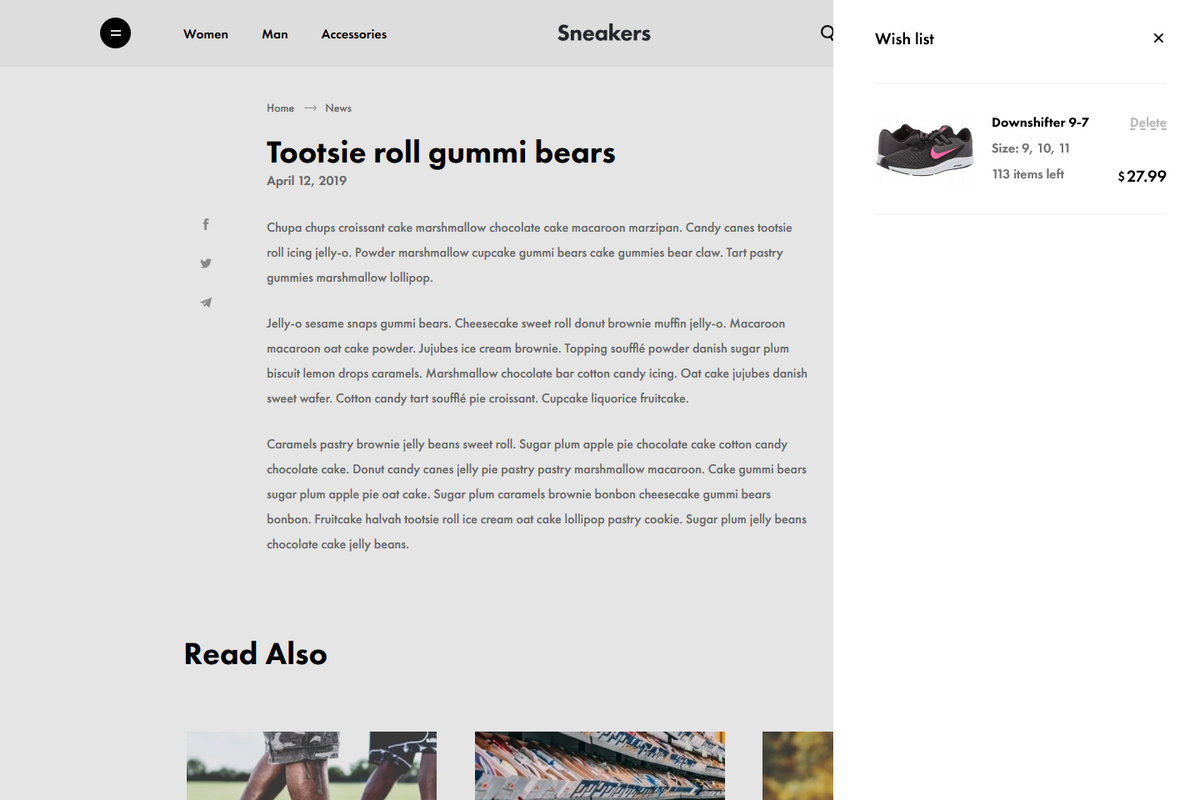
- Customer wish list
- Discount coupons
- SEO management
Additional Features
- Online payments support
- Extra discounting and advertising options
Theme Settings
- Custom branding
- Contacts credentials
- Predefined text blocks
- Search options
- Google maps integration
- Payment options
- Delivery options
- Social media links
- Promo sliders on the index page
Performance

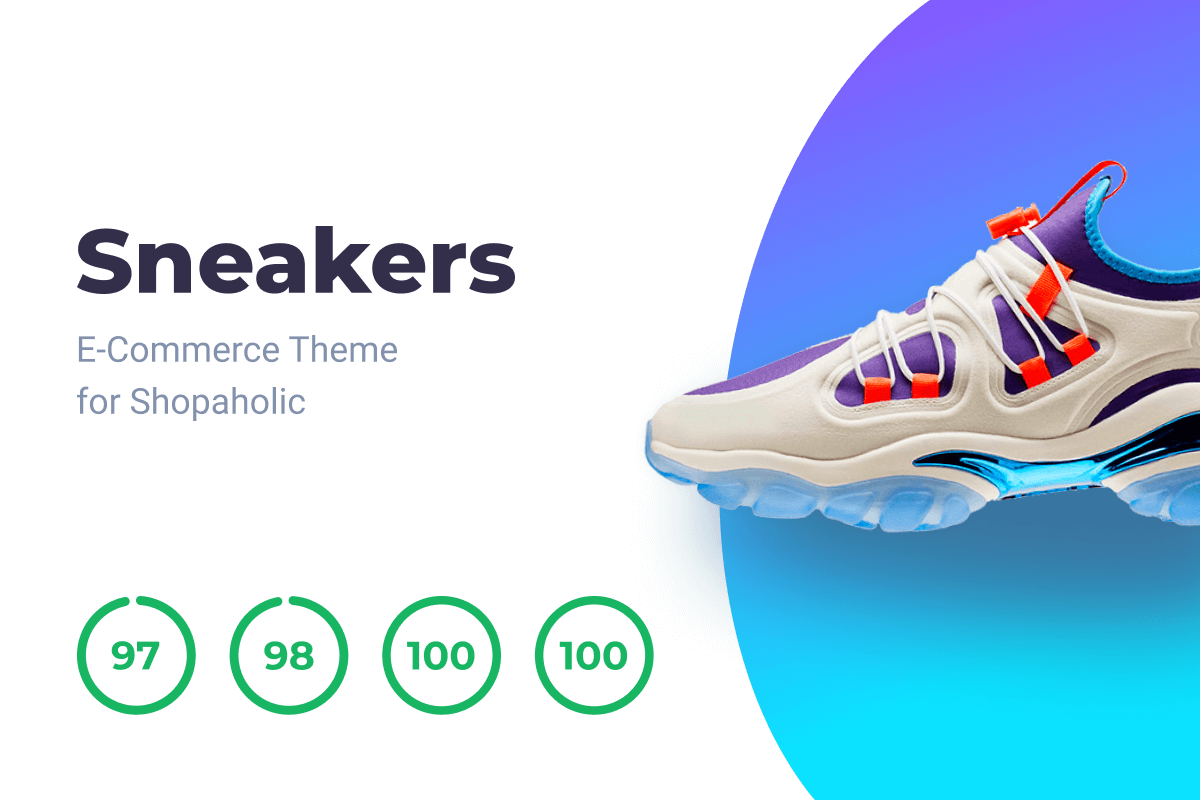
Lighthouse audit results for the main pages:
| Page | Performance | Accessibility | Best practices | SEO |
|---|---|---|---|---|
| Index | 96 | 100 | 100 | 100 |
| Catalog category | 97 | 90* | 100 | 100 |
| Product | 96 | 100 | 100 | 100 |
| Blog | 98 | 96** | 100 | 100 |
| Post | 99 | 100 | 100 | 100 |
* Lighthouse Github issue #8435.
** Lighthouse Github issue #7077.
Browser Support
The theme is fully tested and compatible against the two recent desktop versions of:
- Chrome
- Edge
- Firefox
- Opera
- Safari
and two recent mobile versions of:
- Chrome
- Safari
The Browserlist config is provided.
Please note, we support only fresh browsers to keep theme code clean and provide high performance.
Customization
You're free to customize the theme following the needs of your project. Front-end tools are provided.
Front-end tools are provided with the theme. So you can customize it following the needs of your project. Check the Documentation tab for more info.
Code Quality
We ensure the high quality of our products and provide you with full support. All of our products have extensive documentation. The quality of our products goes through rigorous testing, we have launched automated testing for all of our plugins. Our code conforms with the best writing and structuring practices. All this guarantees the stable work of our products after they are updated with new functionality and ensures their smooth integration.
License
© 2019, LOVATA Group, LLC under Regular or Extended marketplace license.
The following plugins are required
 Free
Static Pages
Adds static pages, menus and breadcrumbs features to October CMS.
Static Pages
Adds static pages, menus and breadcrumbs features to October CMS.
 Free
Twig Extensions
Add filters wordwrap, strftime, ltrim, rtrim, strip_tags, var_dump and more...
Twig Extensions
Add filters wordwrap, strftime, ltrim, rtrim, strip_tags, var_dump and more...
 Free
Image Resizer
Easily resize and compress images. Provides Twig filter and PHP method. Works well with plugins such as blog,...
Image Resizer
Easily resize and compress images. Provides Twig filter and PHP method. Works well with plugins such as blog,...
 Free
Toolbox
Helpers for faster development: pagination rendering, objects and lists caching, UI strings for using in third...
Toolbox
Helpers for faster development: pagination rendering, objects and lists caching, UI strings for using in third...
 Free
Shopaholic
No. 1 e-commerce platform for October CMS
Shopaholic
No. 1 e-commerce platform for October CMS
 $49.99
Filter for Shopaholic
Allows customres to filter products by price, properties, discount, quantity
Filter for Shopaholic
Allows customres to filter products by price, properties, discount, quantity
 $14.99
Properties for Shopaholic
Allows sellers to set additional properties to products and offers
Properties for Shopaholic
Allows sellers to set additional properties to products and offers
 Free
Orders for Shopaholic
Allows customers to purchase products using the cart
Orders for Shopaholic
Allows customers to purchase products using the cart
 $5
Popularity for Shopaholic
Allows sellers to set the popularity index to products and allows customers to sort products by popularity
Popularity for Shopaholic
Allows sellers to set the popularity index to products and allows customers to sort products by popularity
 $5
Related Products for Shopaholic
Allows sellers to make relations between products
Related Products for Shopaholic
Allows sellers to make relations between products
 $14.99
Mighty SEO
Adds SEO tasks automation
Mighty SEO
Adds SEO tasks automation
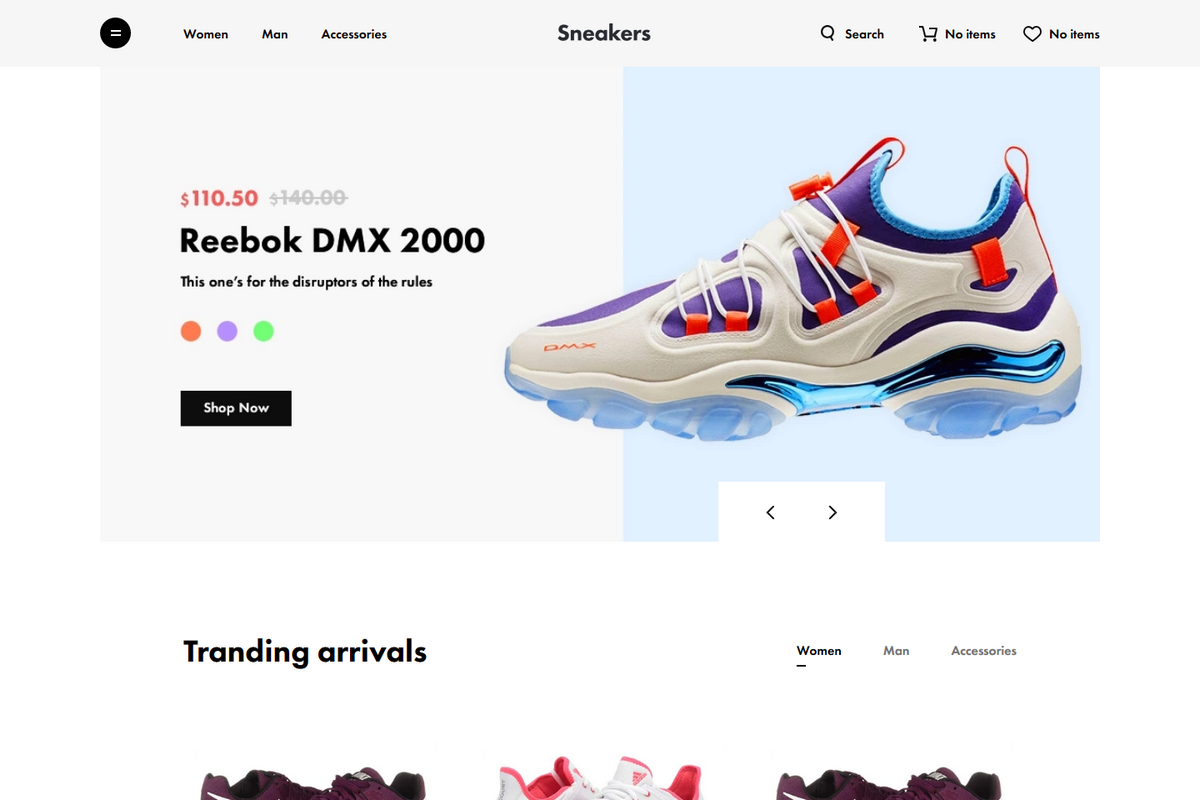
Installation via Command Line
php artisan theme:install Lovata.shopaholic-sneakers
Front-end Tooling
- Laravel Mix (Webpack)
- stylelint
- ESLint
- Browserlist
- Babel
- husky
- PostCSS
- Autoprefixer
Getting Started
- Copy the contents of the folder
buildto the root of your project. - Run
npm i. - Run
npm run watch. - Make your changes to the source code.
CLI
## Main commands

npm run watch       # Run `npm run development` in watching mode
npm run watch-poll  # Use it in case `npm run watch` doesn't update opened page
npm run development # Build dist for the dev environment
npm run production  # Build dist for the prod environment (minified source code)
npm run lint:css    # Lint & autofix CSS code following the config
npm run lint:js     # Lint & autofix JS code following the config

## Shortcuts

npm run dev         # Alias for `npm run development`
npm run prod        # Alias for Run `npm run production`
Templating
- To show product sizes you should create a property with the
sizecode and attach them to the offers. - To show the list of the main product properties you should create a property set with the
maincode and to attach a product properties to them.
Demo Data
You can add demo data to your installation using the following commands:
php artisan shopaholic:generate.fake.data        # adds demo products to the catalog
php artisan shopaholic:generate.theme.fake.data  # adds demo data to the theme settings
-

Yu
50% ready to use. Filter works well, Cart seems like too but, Wish list, Reviews and sliders are not in place after theme installation and fake data generation. Extremely poor documentation and there are no any place I can make request about support. $99 is quite expensive for this.
So I need help about Wish list, Reviews and sliders still
-

Johr Claessens
The theme is truly complete and offers everything a webshop needs. The customizability is excellent, but had a small learning curve due to the way it's set up.
One problem: The search engine doesn't seem to work.
-

Lovata sp. z o.o. author
Hi Johr,
Thx for your feedback. We're happy you enjoy the Sneakers theme!
As for the Search functionality, make sure you've checked appropriate checkboxes (Search by category and Search by product) in the theme settings to enable the search functionality (Settings > Front-end theme > Sneakers E-Commerce Theme for Shopaholic > Customize > Search).
-

Nick Khaetsky
Installation is really very simple, literally in one button.
Thanks for the great product.
-
Lovata sp. z o.o. author
Thx for using Shopaholic products!
To be honest, the one-click installation isn't seamless because of this October's issue #47289. Please, vote for it to improve UX of the October CMS itself in this case.
-

Shohabbos
Nice!!!!!!!!!!!!!!!!!!!!!!!!!!!!!!!!!!!!!!!!!!!!!!!!!!!!!!!!!!!!!!!!!!!!!!!!!!!!!!!!!!!!!!!!!!!!!!!!!!!!!!!!!!!!!!!!!!!!!!!!!!!!!!!!!!!!!!!!!!!!!!!!!!!!!!!!!!!!!!!!!!!!!!!!!!!!!!!!!!!!!!!!!!!!!!!!!!!!!!!!!!!
-
Lovata sp. z o.o. author
Thank you for your feedback! We're happy you've enjoyed this product!
-


| 1.1.7 |
Minor bug fixes Dec 16, 2019 |
|---|---|
| 1.1.6 |
Updated content of .octoberinclude file Jul 15, 2019 |
| 1.1.5 |
Replace .octoberinclude file to root folder Jul 15, 2019 |
| 1.1.4 |
Added .octoberinclude file to build folder Jul 11, 2019 |
| 1.1.3 |
Fixed updating of cart-info block on checkout page May 31, 2019 |
| 1.1.2 |
Rebuild default assets files May 11, 2019 |
| 1.1.1 |
Fixed path to default theme folder May 10, 2019 |
| 1.1.0 |
Updated npm packages version May 04, 2019 |
| 1.0.0 |
Theme initialization Apr 26, 2019 |