
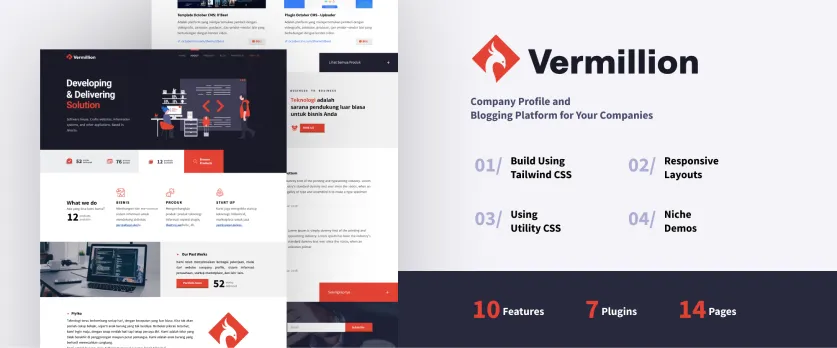
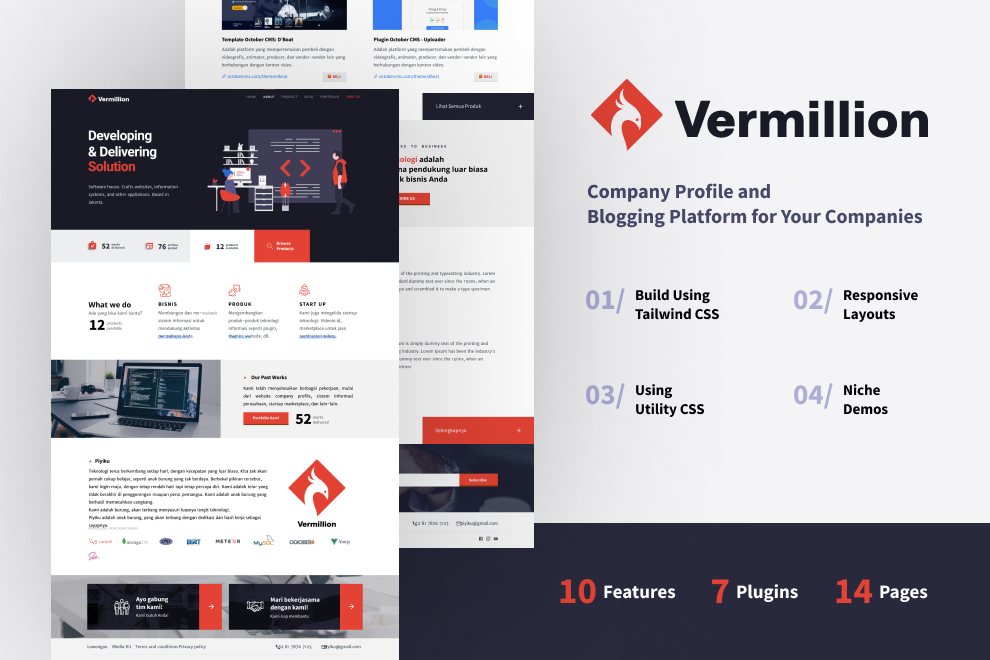
Vermillion - Company Profile Octobercms Theme for Corporate and Blogging System using Tailwind CSS
Features
- Responsive design
- Premium quality
- Lightweight and very fast
- CSS3 animations
- About Us pages
- Contact pages
- Portofolio pages
- Product pages
- Blog pages
- Career pages
- Photo Album page (new)
- Tool SEO (new)
DEMO HERE: link
The following plugins are required
 Free
Blog
A robust blogging platform.
Blog
A robust blogging platform.
 Free
Static Pages
Adds static pages, menus and breadcrumbs features to October CMS.
Static Pages
Adds static pages, menus and breadcrumbs features to October CMS.
 Free
Social Sharing Buttons
Display buttons to share content on different social networks
Social Sharing Buttons
Display buttons to share content on different social networks
 Free
Twig Extensions
Add filters wordwrap, strftime, ltrim, rtrim, strip_tags, var_dump and more...
Twig Extensions
Add filters wordwrap, strftime, ltrim, rtrim, strip_tags, var_dump and more...
 Free
PhotoAlbums
Manage galleries of photos arranged in albums, insert photos into your content.
PhotoAlbums
Manage galleries of photos arranged in albums, insert photos into your content.
 Free
Small Contact Form
Simple but flexible multi language contact form builder with custom fields, validation and antispam
Small Contact Form
Simple but flexible multi language contact form builder with custom fields, validation and antispam
 Free
Backup system
Backups of your files and databases
Backup system
Backups of your files and databases
 Free
Blog Taxonomy
Taxonomy extension for RainLab Blog plugin
Blog Taxonomy
Taxonomy extension for RainLab Blog plugin
 Free
Power SEO
Power the SEO throughout your site. Easy setup and low maintenance.
Power SEO
Power the SEO throughout your site. Easy setup and low maintenance.
 Free
Vermillion Themes Plugin
Vermillion themes using this plugin
Vermillion Themes Plugin
Vermillion themes using this plugin
 Free
Extension PowerSEO
Extension Power SEO
Extension PowerSEO
Extension Power SEO

Installation via Command Line
php artisan theme:install Bayuaji.ucprofile
Go to your backend to Settings -> System -> Updates & Plugins and install the following Plugins. (just copy & paste the PluginIDs below and put it in the search box.)
Require:
- Rainlab.Blog
- Rainlab.Pages
- Ginopane.BlogTaxonomy
- JanVince.SmallContactForm
- JorgeAndrade.Subscribe
- Martin.Ssbuttons
- Bayuaji.Vermillion
- Graker.PhotoAlbums
- SureSoftware.PowerSEO
- VojtaSvoboda.TwigExtensions
Configuration
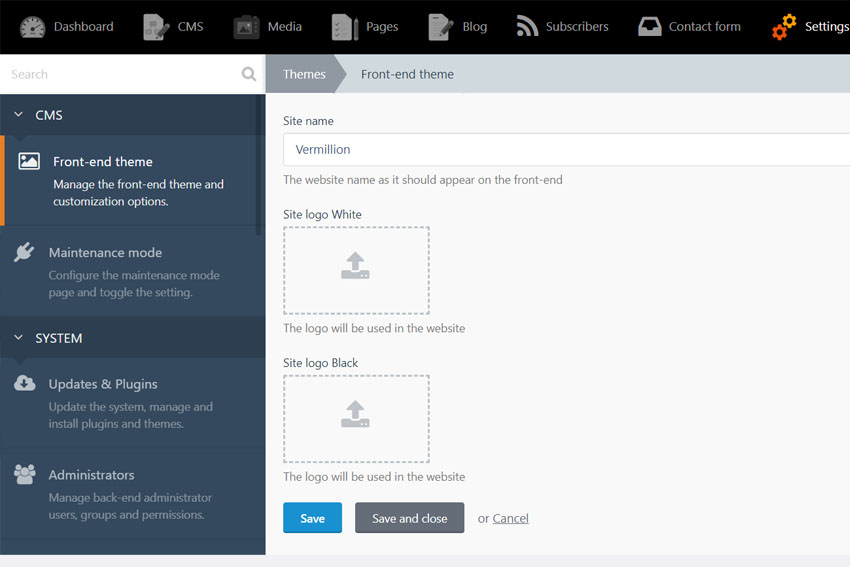
- Theme variables: Backend > Settings > Front-end theme > Customize
- Contact form: Backend > Contact Form
- Subscribe: Backend > Subscriber
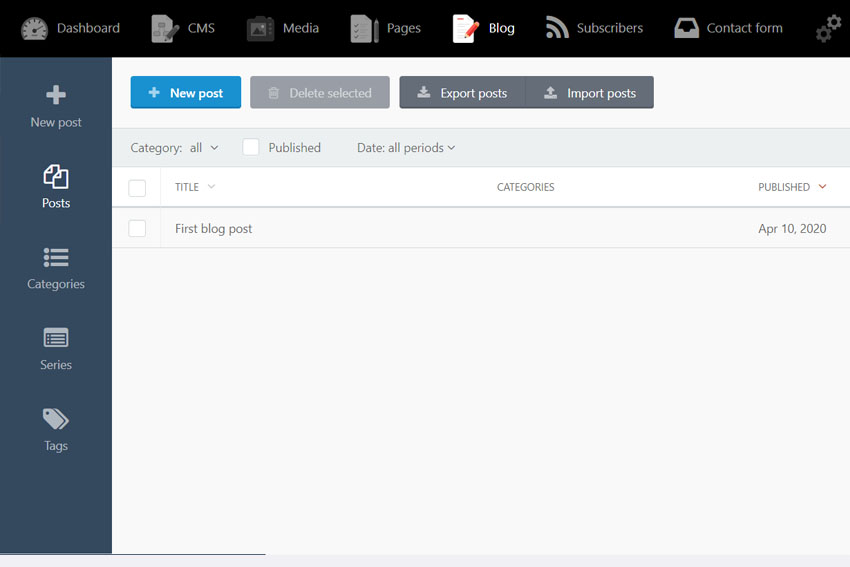
- Blog Categories : Backend > Blog > Posts > Click on post > Tags
- Blog Series: Backend > Blog > Click on Categories
- Blog Series: Backend > Blog > Click on Series
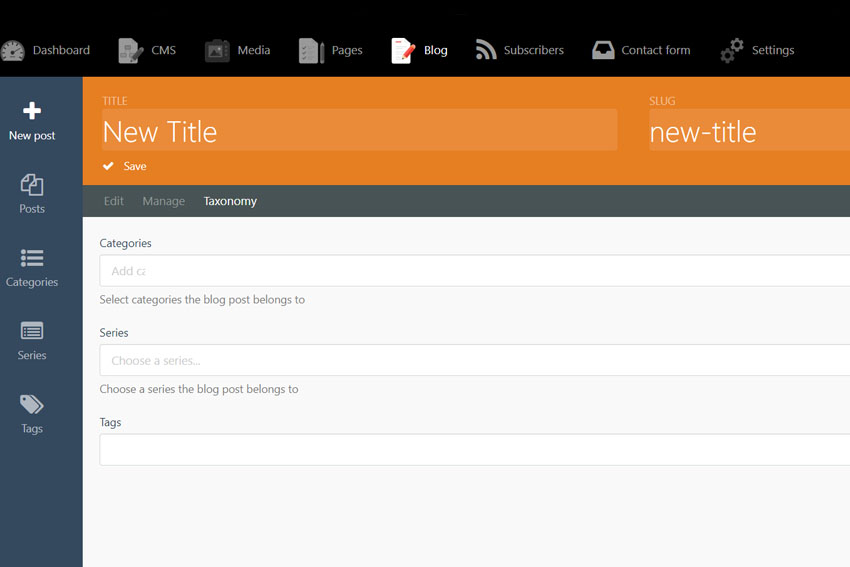
- Blog Post: Backend > Blog > Posts > Click on Taxanomy > Categories
- Blog Post: Backend > Blog > Posts > Click on Taxanomy > Series
- Blog tags: Backend > Blog > Posts > Click on post > Tags
Note :
- Categories : Make many categories as you like
- Series : Grouping from categories
Theme Customization
We provide tailwilnd configurations for colors, font size, and letter spacing out of the box. To customize the theme please follow the following steps.
- Go to themes/vermillion directory. You'll find package.json file that define dependecies.
- Install depencies by running npm install. (Please ensure you have node and npm installed on your system visit https://nodejs.org for further details).
- Update tailwind.config.js to meet your preferences and npm run build:css.
- For further details you can visit https://tailwindcss.com/
If you require any further information, feel free to contact me! If you like the Theme, please, send me a good review!
-

Jan Boesch
Excellent theme, with a lot of working functionnalities, based on rainlab blog plugin (and many more). Layout is working perfectly and contrast is beautiful. Thanks a lot !
-

bayuaji author
Thank you Jan! Really appreciate it.
-


| 1.0.6 |
Adding plugin extention seo Mar 22, 2021 |
|---|---|
| 1.0.5 |
Adding SEO Jan 19, 2021 |
| 1.0.4 |
some fix bug menu static Sep 03, 2020 |
| 1.0.3 |
Add plugin backup Sep 03, 2020 |
| 1.0.2 |
Add photo page May 07, 2020 |
| 1.0.1 |
Add tailwind config Apr 23, 2020 |
| 1.0.0 |
Initial release Apr 10, 2020 |