


Details
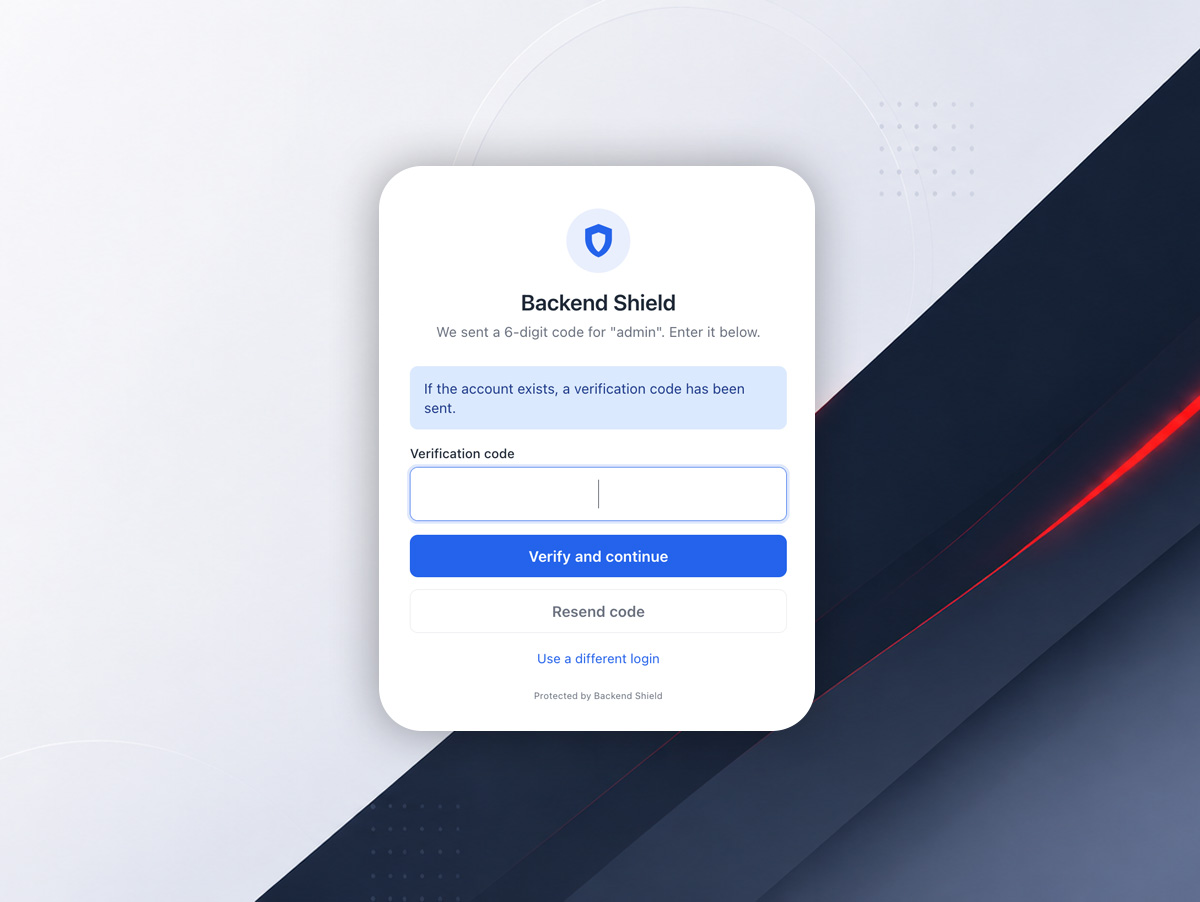
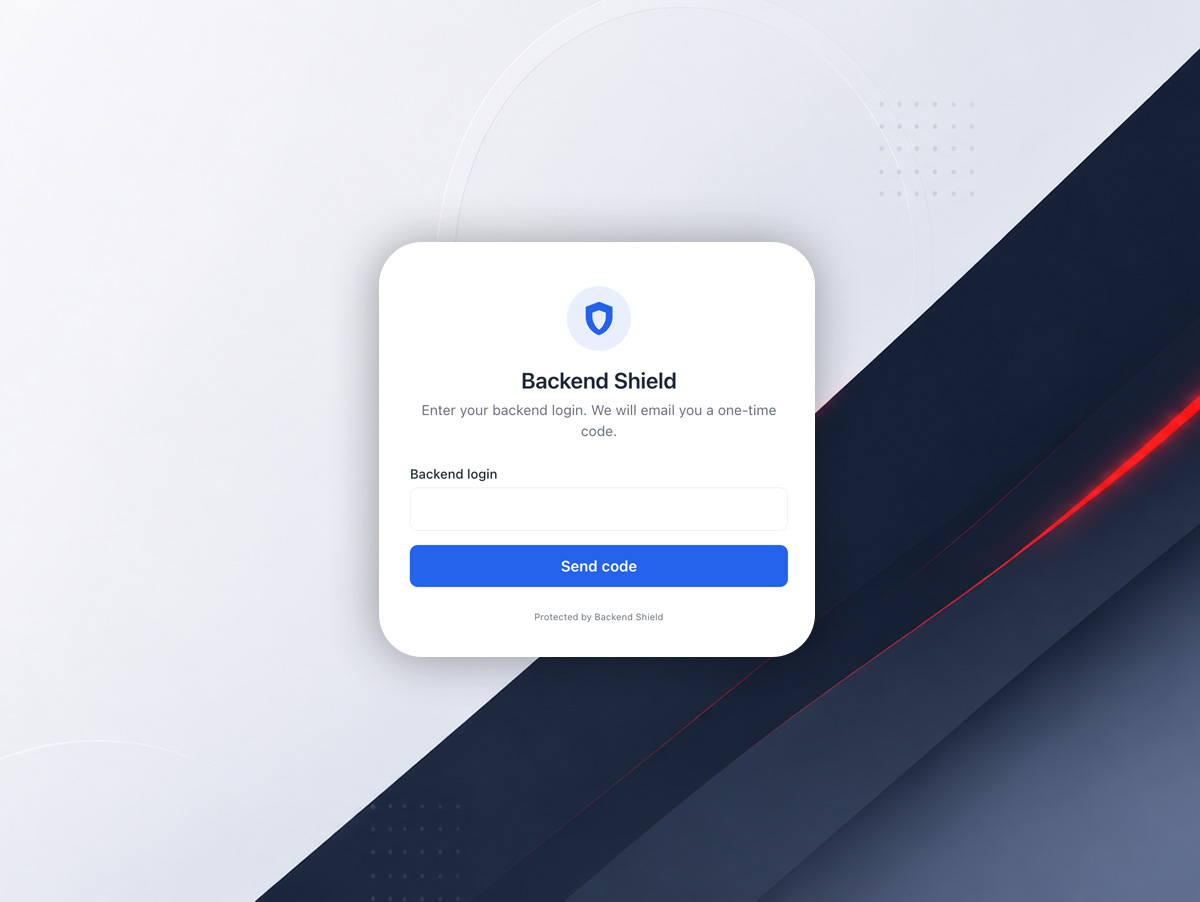
Backend Shield adds a pre-login verification gate for October CMS backend access. Before a user reaches the normal backend sign-in form, the plugin can require a one-time code sent to the email address assigned to that backend account.
What It Does
- Adds an email OTP step before backend login
- Supports optional IP whitelist and blacklist rules
- Protects against brute-force login attempts
- Keeps code TTL, session TTL, and resend cooldown configurable
- Uses a master enable switch for quick shutdown
Why It Matters
Backend Shield adds an extra layer of security without changing October CMS core. It helps protect admin access while keeping the login flow clear and familiar for authorized users.
Best Fit
- October CMS websites with backend access that needs stronger protection
- Projects that want email-based verification before login
- Installations that need IP-based allow or deny rules
- Sites where security changes must stay outside October core
Installation via Command Line
php artisan plugin:install Pear.Shield
Documentation
Backend Shield is a security plugin for the October CMS backend. It inserts a verification step before the standard login form and can also enforce IP allow and deny lists.
Installation
- Install the plugin in the October CMS project.
- Run October migrations.
- Open Settings -> System -> Backend Shield.
- Review the default values and adjust them for your site.
Configuration
Backend Shield settings can be managed in the backend UI and overridden through .env values when needed.
Available options include:
- Enable or disable the plugin globally
- Allowed IP list
- Blocked IP list
- Verification code lifetime
- Gate session lifetime
- Brute-force throttle limit
- Throttle window
- Resend cooldown
- Public route prefix
- Cloudflare IP header support
- Extra backend bypass paths
Behavior
- If an IP is whitelisted, the gate is skipped.
- If an IP is blacklisted, access is denied immediately.
- If neither rule applies, the user must request a code and verify it before the backend login form appears.
- Verification messages stay generic to avoid user enumeration.
Recovery
If email delivery fails or access is blocked, disable the plugin through the terminal and re-enable it after fixing configuration.
Localization
Backend Shield includes English and Polish translations for the backend and user-facing messages.
-
This plugin has not been reviewed yet.
-
| 1.0.0 |
Initial release. Jun 03, 2026 |
|---|
Upgrade Guide
From Previous Versions
Backend Shield v1.0.0 is the initial release. No migration path is required from an older public version.
After Updating
- Pull the latest release or update the plugin from the repository.
- Run October migrations if the update includes database changes.
- Review Settings -> System -> Backend Shield after upgrade.
- Clear caches if the backend UI does not reflect the new version immediately.
Important Notes
- Keep
.envoverrides in sync with backend settings. - Re-check IP allow and deny lists after update.
- Verify mail delivery for verification codes if the login flow changes.
- If you use a proxy or Cloudflare, confirm client IP handling still works correctly.
Safe Rollback
If the new version causes access problems, disable the plugin first, then restore the previous release and re-enable it after verification.