


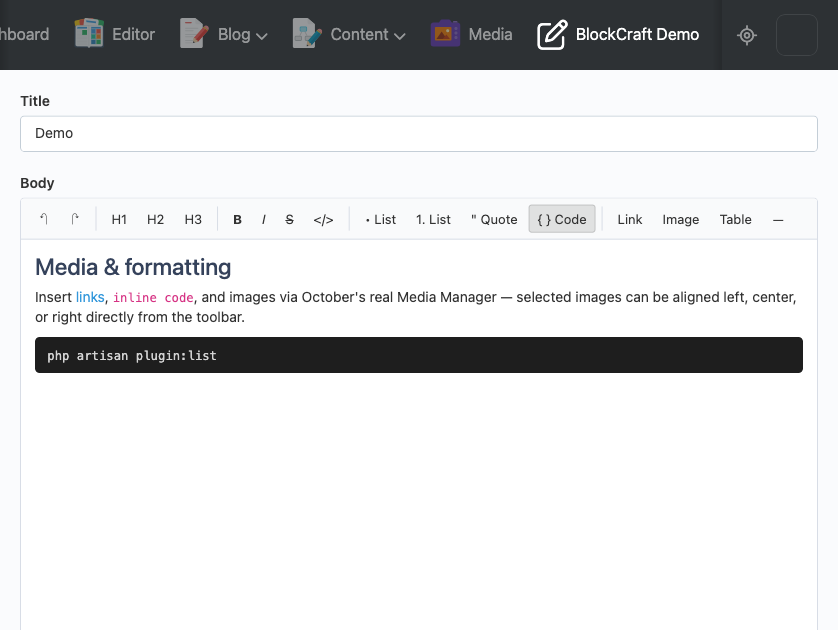
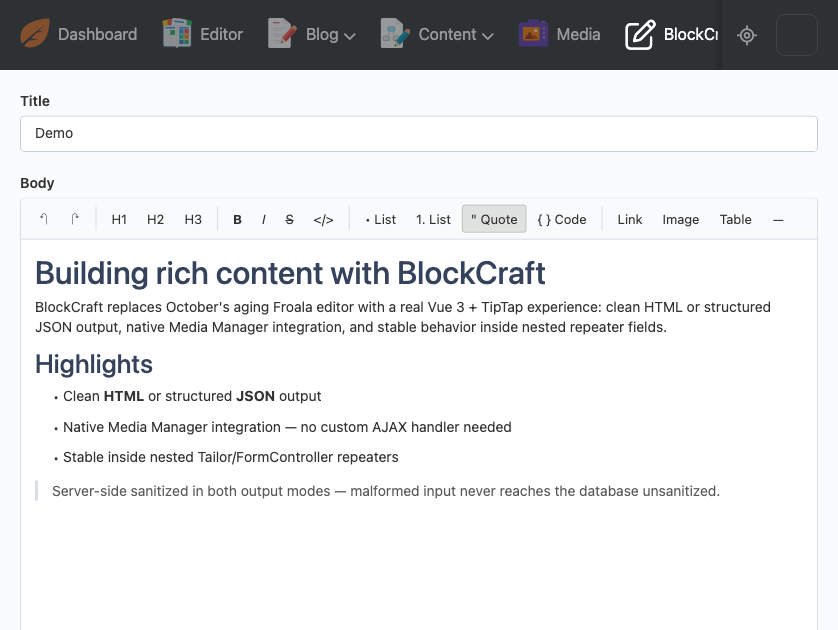
BlockCraft replaces October CMS's built-in rich text editor with a modern block editor built on TipTap and Vue 3. Instead of the ageing, several-major-versions-behind Froala editor that ships with October, you get a real block-based writing experience: headings, formatted text, bulleted and numbered lists, blockquotes, code blocks, tables, and images — inserted through October's own native Media Manager, so there's nothing new to configure or learn there.
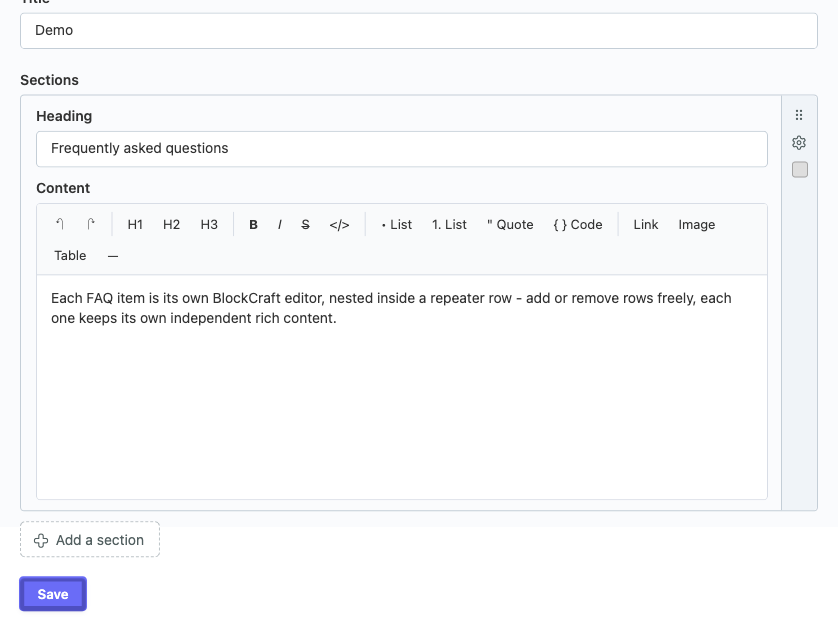
Every save is sanitized on the server, independent of anything the browser sent, so malformed or unexpected content never reaches your database unsanitized. BlockCraft also behaves correctly inside repeating field groups (Tailor and FormController repeaters) — content in a repeater row that gets removed cleans up its editor instance properly instead of leaking memory or leftover event listeners, which is a real, documented problem with October's native rich editor in that situation.
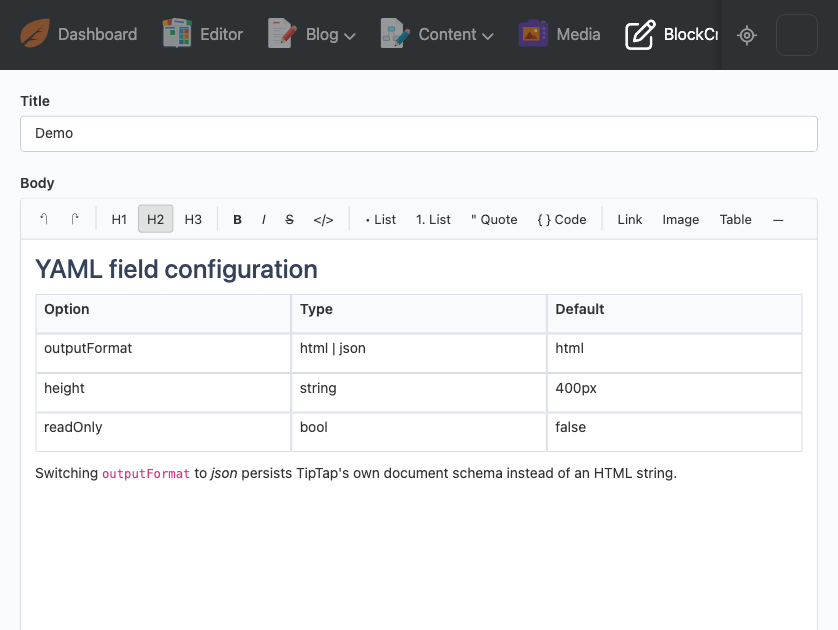
Content can be stored either as clean HTML (a drop-in replacement for your existing richeditor
fields) or as structured JSON matching TipTap's own document schema, for sites that want to render
content themselves rather than trusting stored markup.
Installation via Command Line
php artisan plugin:install AmjadIqbal.BlockCraft
Installation. Plugin code: AmjadIqbal.BlockCraft. Requires October CMS 4.2+ (built and tested
against 4.4.6) and PHP 8.2+. Install via Composer (composer require amjadiqbal/blockcraft-plugin)
or by cloning the GitHub repository directly into plugins/amjadiqbal/blockcraft.
Field configuration. Add type: blockcraft to any fields.yaml:
body:
    label: Body
    type: blockcraft
    outputFormat: html   # or 'json' for a structured TipTap document
    height: 400px
Full option reference:
| Option | Type | Default | Description |
|---|---|---|---|
| outputFormat | html or json | html | Persisted shape of the field's value. |
| height | string | 400px | CSS height of the editor's content area. |
| buttons | array or null | null (full toolbar) | Restrict visible toolbar buttons. |
| readOnly | bool | false | Renders the content non-editable. |
Sanitization. HTML mode strips any tag or attribute outside an explicit allow-list, strips
javascript:/data: URIs, and forces rel="noopener noreferrer" on external links. JSON mode
validates the decoded value is a well-formed TipTap document and recursively drops any node, mark,
or attribute outside the same allow-list. Malformed input in either mode degrades to a safe empty
value rather than throwing.
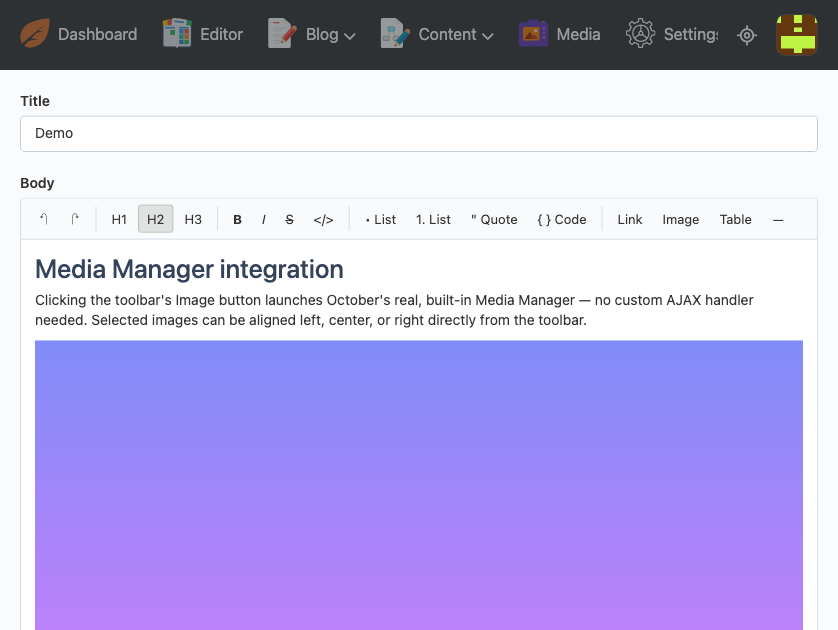
Media Manager. The toolbar's Image button launches October's real, built-in Media Manager
popup for any backend user with media.library access — no extra AJAX handler or configuration
needed on BlockCraft's side. Selected images can be aligned left, center, or right from the
toolbar once placed in the editor.
Extension points. See the plugin's own README and classes/HtmlSanitizer.php /
classes/JsonSanitizer.php docblocks for the allow-list structure if you need to extend which
tags, nodes, or attributes are permitted.
-
This plugin has not been reviewed yet.
-
| 0.2.0 |
Edit tables (rows, columns, header, merge/split), edit images after inserting (alt text, width, alignment, replace, remove), and an HTML source mode. Image alignment and column widths now survive saving. Oct 12, 2026 |
|---|---|
| 0.1.2 |
Ship the compiled editor assets - 0.1.0 and 0.1.1 failed on every install with "Vite manifest not found". Oct 11, 2026 |
| 0.1.1 |
Fix a real bug where a BlockCraft field added inside a repeater row never initialized. Sep 24, 2026 |
| 0.1.0 |
First version of BlockCraft. Sep 24, 2026 |
BlockCraft is currently at 0.1.0 — its first public release. There are no prior versions and
therefore no breaking changes or migration steps to document yet. This section will be maintained
from BlockCraft's first 0.x → 0.x or 0.x → 1.0 change onward.