
User Submitted Content in October CMS v4.4
Posted in Announcements on Aug 30, 2026
October CMS v4.4 is out. The headline feature: Tailor, the engine that powers your publishing, now accepts content from your visitors too - comments, contact forms, reviews - with a moderation inbox and spam protection built in. We have wanted this one for a long time.
Here's what's new:
- User Content Submissions - comments, contact forms and reviews powered by Tailor blueprints, with a moderation inbox, email notifications and spam protection
- Vue Components in Your Theme - the same Vue framework behind the October backend, now on your frontend
- Database-Driven Theme Assets - edit CSS, JavaScript and images in the backend, live on every instance, served from S3 and your CDN
- Language Files & Blueprints in the Database - the full theme now survives without a writable filesystem
- Translated Page URLs - every language gets its own URLs, titles and meta content, in the core with no plugin required
Your Visitors Join the Conversation
Until now, Tailor was a one-way street: you define the content, you publish it, the world reads it. Version 4.4 opens the other direction. The new submission blueprint type accepts content from your visitors - blog comments, contact form enquiries, product reviews, testimonials, job applications - anything you can describe with fields.
And describing it is all you do. Define the fields in a blueprint, drop the new submission component on a page, and October generates the form, validates the input, and files every submission into a moderation queue in your admin panel. No plugin to install, no controller to write, no database table to design.
handle: Blog\Comment
type: submission
name: Comment

fields:
    author_name:
        label: Name
        type: text
        validation: required|min:2|max:100

    content:
        label: Comment
        type: textarea
        validation: required|min:5|max:2000
The moderation experience feels like an inbox, not a database table. Submissions arrive as Pending and stay invisible on your site until you approve them. One click approves, one click rejects - and rejections are reversible, quietly cleaning themselves up after a retention period you control. When something nasty slips through, the Spam button doesn't just reject one record: it sweeps away every other pending submission from the same IP address in one move.
Point the blueprint at a team with a single line - notifyGroup: contact-team - and everyone in that admin group gets an email with a link straight to the moderation screen; replies go to the visitor's address. Spam is handled before it ever reaches you: every form ships with an invisible honeypot and per-visitor rate limiting, and an event hook takes CAPTCHA or a scoring service like Akismet in a few lines of code. File uploads are validated and attached automatically.
Use the generated form to start fast, or write your own markup and let the component handle the saving. Comments on your blog are now an afternoon's work, not a project.
Vue, Now Playing on the Frontend
If you've built anything in the October admin panel lately, you've been using Vue without thinking about it. The dashboard, the editor, the publishing controls - all of it runs on a clean pattern where a Vue component is a PHP class, a template, and a JavaScript module that October wires together for you.
Version 4.4 hands that same pattern to your themes. Your CMS components can now register Vue components, and October takes care of the plumbing: templates rendered, modules loaded, dependencies resolved. Two Twig tags and you're reactive.
{% framework vue %}

<div id="app">
    <acme-blog-post-viewer :post-id="7"></acme-blog-post-viewer>
</div>

{% vuecomponents %}

<script type="module">
    oc.mountVueApp('#app');
</script>
The design stays out of your way. October ships the Vue library and your registered components - mounting the app, managing state, and structuring your frontend is entirely yours. Prefer to load your own Vue build? Skip the framework tag and October works with it.
It works with the AJAX framework too: a partial loaded by an AJAX request can introduce a Vue component the page has never seen, and October delivers and registers it before the update lands - the same behavior the backend has always had.
Build a product configurator, a live search, an interactive booking form - components you can reuse across every page and share between your plugins and themes.
The Whole Theme, No Filesystem Required
Modern hosting wants your application to be stateless. Containers get replaced, servers scale in and out, and nothing written to a local disk is guaranteed to survive. October already solved this for CMS templates with database-driven themes: edit a page on one instance, and every instance serves it. But theme assets - your stylesheets, scripts, images and fonts - were left behind. An asset uploaded through the editor landed on one server's disk and stayed there. If you were running more than one instance, that was a problem without a good answer.
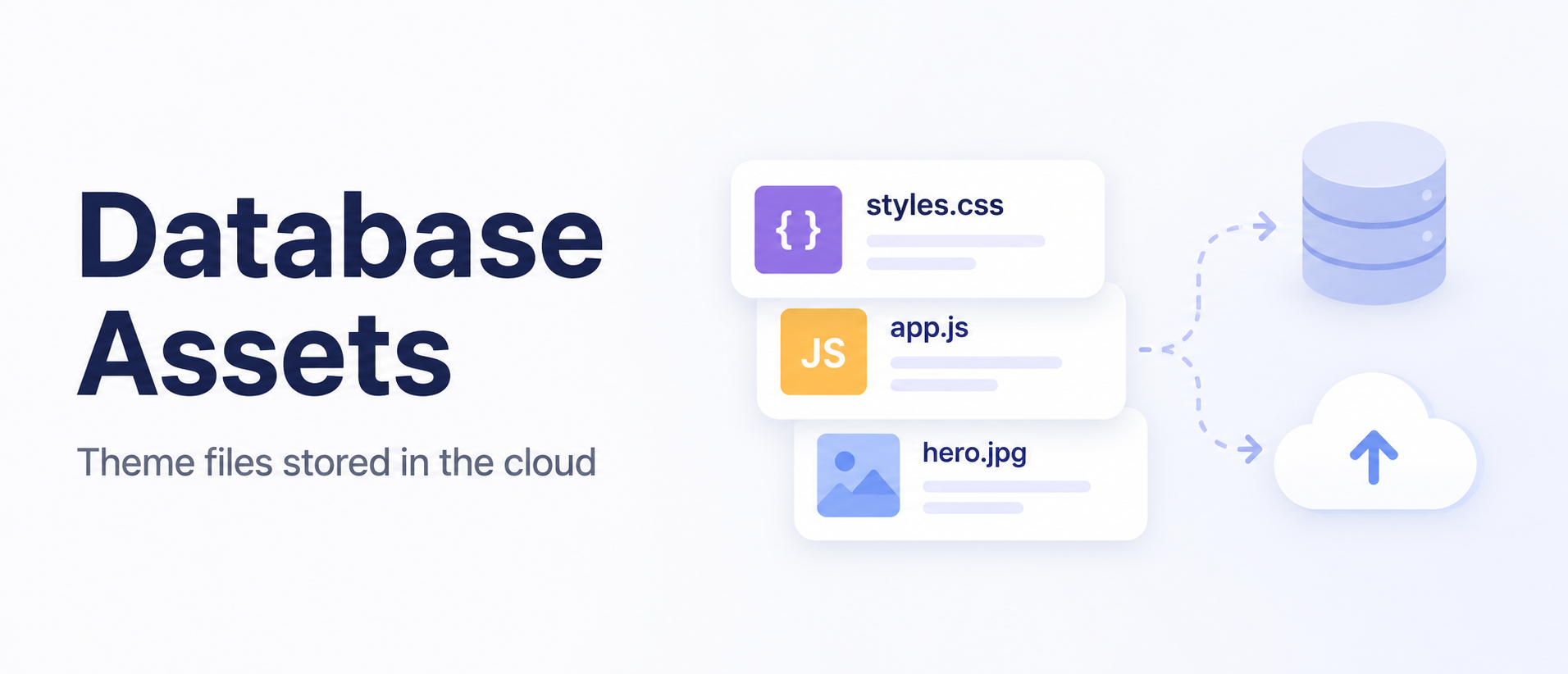
Version 4.4 answers it. Enable the new assets layer, and every asset operation in the CMS editor publishes straight to a shared storage disk like Amazon S3, with the change tracked in the database. Every instance sees it immediately. Your CDN serves it. The local filesystem is never touched.
CMS_DB_ASSETS=true
ASSET_URL=https://cdn.example.com
The best part is what this feature doesn't do. There's no PHP proxy serving your assets, no changes to how asset() builds URLs, no shared network filesystem to mount. Your assets are plain objects on a bucket behind a CDN - the fastest way to serve them - and October simply keeps that bucket up to date.
Your codebase ships assets too, so the october:mirror command now publishes to cloud storage. Run it in your deployment pipeline: unchanged files are skipped, and the upload is strictly additive, so a deploy can never take down a live asset.
php artisan october:mirror --disk=assetsThe database layer now also covers theme language files and Tailor blueprints. Put it all together and the entire theme - pages, layouts, partials, content, translations, blueprints and assets - can be edited from the backend of a fully stateless deployment. And when you want those changes back in version control, one command round-trips everything to the filesystem, ready to commit:
php artisan theme:copy mytheme --import-dbGit stays your source of truth. The database is the live editing surface. The bucket serves the world.
Every Language Gets Its Own URL
Multisite has long made it easy to run your website in several languages, but one thing stubbornly stayed the same on every site: the URLs. Your French visitors read French content at /contact, and giving them /contactez meant reaching for a plugin.
Version 4.4 builds it into the core. Drop the new Translatable component on a page and give each language its own URL, title, description and meta content - one entry per language, only for the languages you need.
url = "/contact"

[translatable]
locales[fr][url] = "/contactez"
locales[ru][url] = "/контакт"
Yes, that's a Cyrillic URL - fully Unicode URLs work out of the box. Dynamic pages come along too, so /blog/:slug on your English site can be /blogue/:slug on your French one.
The routing is thoughtful about the details that matter. When someone follows an old link to /contact on your French site, October redirects them to /contactez with a proper 301 - shared links never break and search engines see exactly one URL per language. Every link October generates - menus, sitemaps, language switchers, hreflang tags - speaks the right language automatically.
Content blocks join in with a convention so simple it barely needs explaining: make a folder named after the language and drop the translated file inside. content/fr/my-content.htm is served to your French visitors, everyone else gets the original. Mail templates translate too, so welcome emails, password resets and order confirmations go out in the language of the site that sent them.
Already using RainLab.Translate? Your pages keep working untouched, and one command migrates a whole theme to the new format:
php artisan translate:import-themeSmaller Touches
The Media Finder gains copy and paste. Turn on the new option and your editors get Select All, Copy Selected and Paste buttons in the toolbar, so building a gallery no longer means selecting the same images field by field. Duplicates are skipped and selection limits are respected.
Snippets can now sit inline. Until now they arrived as blocks, which is perfect for a video embed but awkward for a phone number or a price inside a sentence. Flip a single switch and the snippet slots into the flow of the text, appearing as a neat chip your publishers can move and remove like any other word.
Help Us Pick What's Next
Three new items just landed on the roadmap, and we would like your opinion before we commit to them:
- Improve Backend Skins - making the admin panel easier to restyle and brand
- TipTap Rich Editor - a new rich editor built on TipTap
- Front-End Editor - editing content directly on the page, where it lives
These get built for you, so the votes and comments genuinely steer the order. If one of these would change how you work, say so on the portal.
Upgrading
To upgrade, run:
php artisan october:updateThe full list of changes is in the v4.4 Release Notes. v4.3 keeps working and keeps getting fixes, so upgrade when it suits you.
We hope you enjoy this release, and as always, your feedback is welcome.
Need Help?
If you have questions or run into issues:
- October CMS Discord - Join our community chat
- October CMS Forum - Discuss and get support