

Enx Theme for OctoberCMS
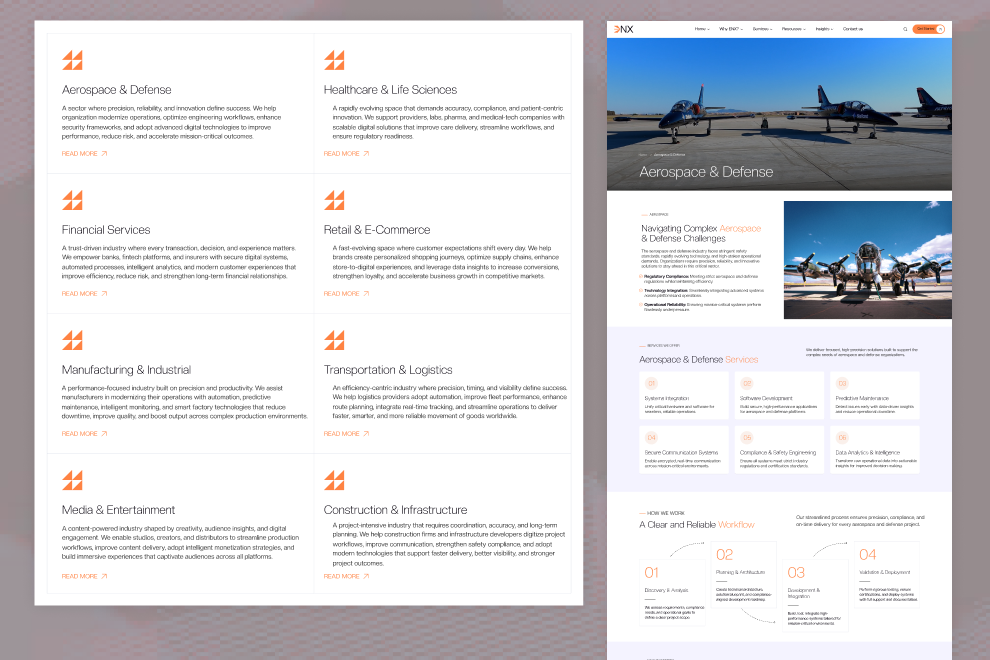
Enx is a modern business-focused OctoberCMS theme tailored for IT, software, consulting, and managed services brands. It features responsive landing pages, Tailor-powered sections, dynamic forms, insight pages, service portfolios, career and support workflows, and legal content templates.
Pages in Enx Theme
- Home Page (2 variants)
- About Us Page
- Why Enx Page
- Services Page
- Service Detail Page
- Case Studies Page (2 variants)
- Case Study Detail Page
- Case Study Category
- Clients Page
- Insights Page (2 variants)
- Insight Detail Page
- Insight Category
- Contact Us Page
- Career Page
- Team Page (2 variants)
- Team Detail Page
- Support Page
- FAQ Page
- Privacy Policy Page
- Terms & Conditions Page
- Cookie Policy Page
- Data Protection Page
- Sitemap Page
- Testimonials Page
- Offices Page
- 404 Error Page
Features of Enx
- Tailor-powered dynamic content with reusable sections
- Responsive modern layout built for business and technology sites
- Modular section-based architecture including:
- Hero & video hero sections
- Services and service offering sections
- Case study and client showcase sections
- Insight and thought leadership sections
- Career application and job listing sections
- Support, FAQ, and ticket sections
- Contact, get started, and lets talk sections
- Media solutions and technology stack sections
- Testimonials, benefits, and impact sections
- Cookie consent popup and global footer options
- Search results partial for unified search pages
- Multiple menu types with dropdown and image menu support
- Tailor-driven forms for subscriptions, contact, support, and careers




Installation via Command Line
php artisan theme:install WebbyCrown.enx
Installation Instructions
1. Install the theme
php artisan theme:install WebbyCrown.enx
2. Activate the theme
- Go to Settings → Frontend Theme
- Select and activate Enx Theme
3. Register Tailor blueprints
php artisan tailor:refresh
php artisan tailor:list
4. Seed the theme data
php artisan theme:seed webbycrown-enx
5. Seed plugin data (if available)
php artisan db:seed --class="Acme\\Menu\\Updates\\MenuItemsTableSeeder"
6. Seed media via Tinker (optional)
php artisan tinker
Then in the Tinker shell:
require base_path('themes/webbycrown-enx/seeds/MediaSeeder.php');
seedMediaImages();
-
This theme has not been reviewed yet.
-
| 1.0.0 |
Initial release of Enx Jul 09, 2026 |
|---|