

Cloudfront
Plugin to invalidate Amazon AWS Cloudfront from backend main menu.
Cloudfront
Plugin to invalidate Amazon AWS Cloudfront from backend main menu.

Cloudfront Plugin
Plugin to invalidate Amazon AWS Cloudfront from backend.
How to use
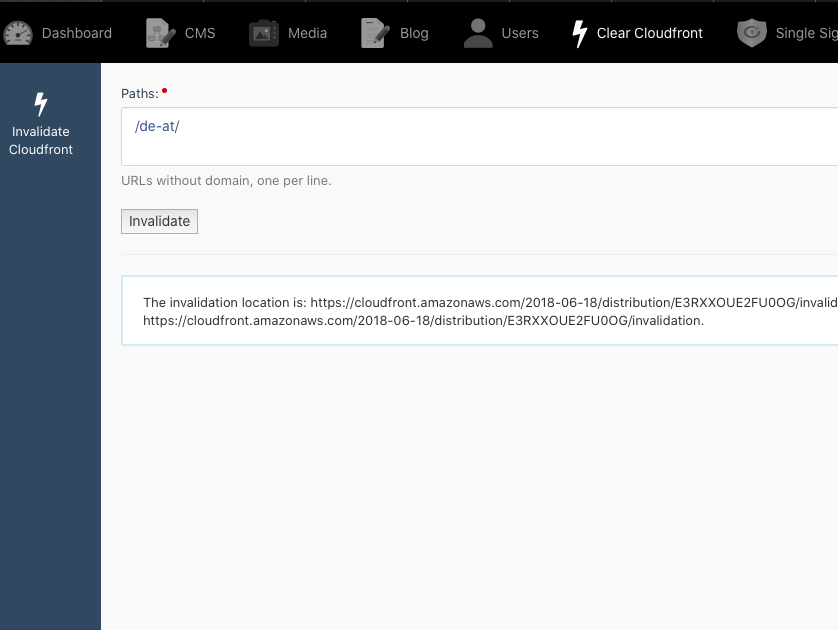
- Go to Clear Cloudfront in backend main menu
- Add websites paths you want to clear (one per line)
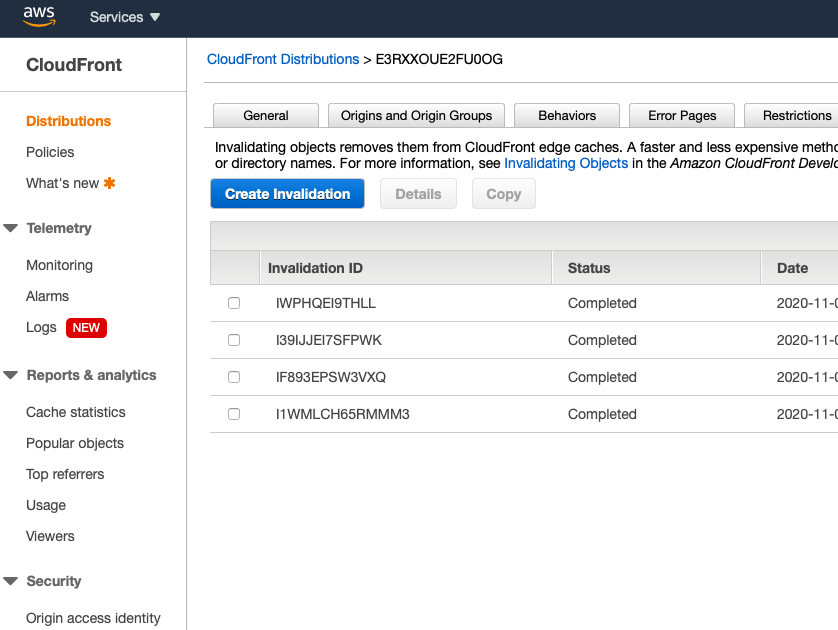
- Invalidate
Required settings
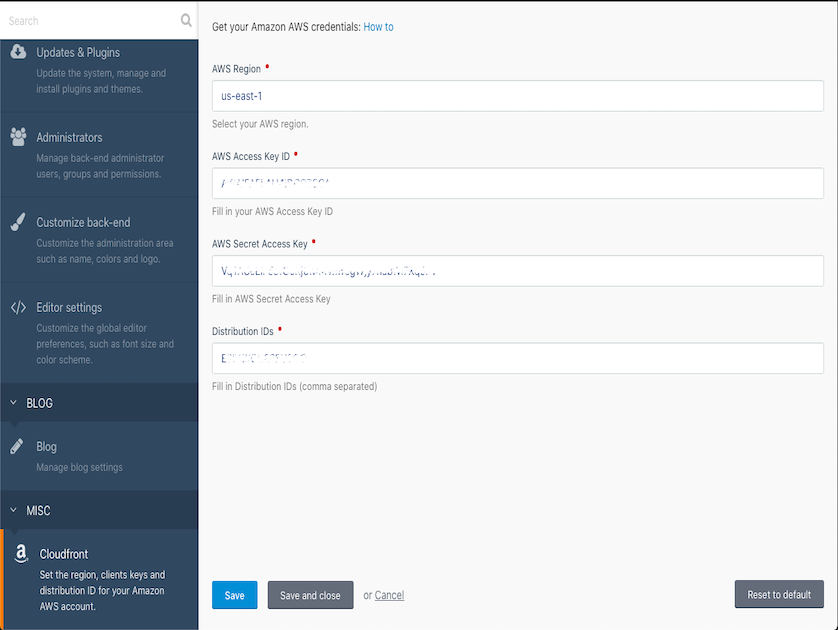
You need to configure the following settings:
- AWS region
- Client access ID
- Client secret key
- Distribution IDs
Installation via Command Line
php artisan plugin:install Workwithtom.Cloudfront
Documentation
General
Plugin to invalidate Amazon AWS Cloudfront from backend.
Installation
- Install plugin from Marketplace
- Go to Settings and configure region, access key, secret key and distribution ID
- Go to backend module Clear Cloudfront in main menu
Languages
- English
-
This plugin has not been reviewed yet.
-

| 1.0.0 |
First release. Nov 05, 2020 |
|---|