


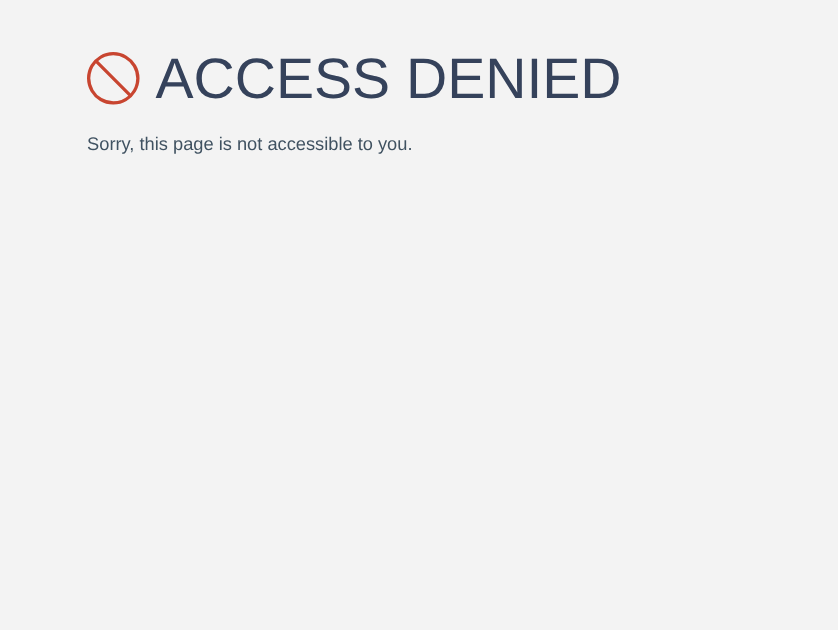
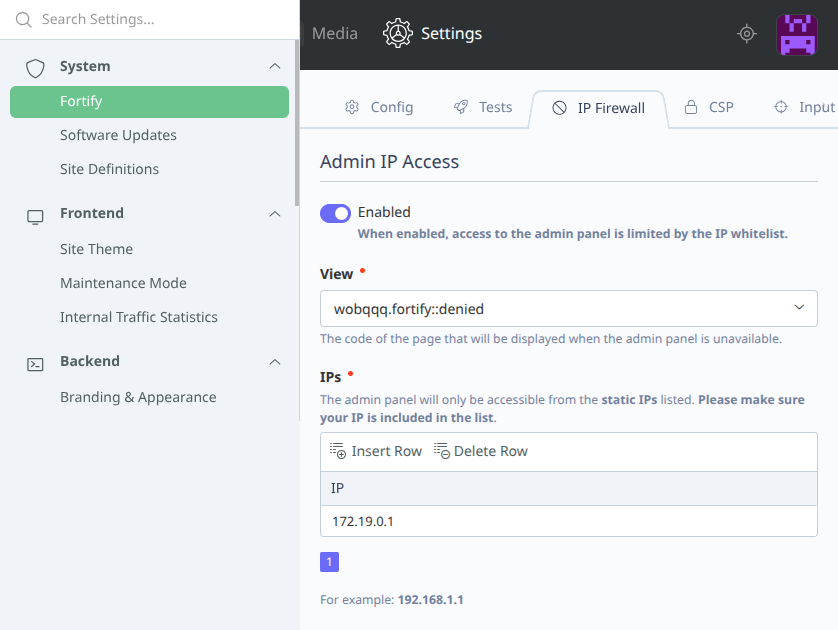
Admin IP Access
This extension allows you to restrict access to the October CMS admin panel by IP address.
It integrates with the main Fortify plugin and provides an additional layer of protection against unauthorized access.
Security Dashboard Widget
Fortify includes a built-in dashboard widget that gives you a real-time overview of your system’s security status.
- Highlights critical vulnerabilities and misconfigurations
- Provides quick access to all security checks and tools
- Helps you identify and fix issues in one place
This widget acts as a central hub, allowing you to monitor and manage your application's security at a glance.
Features
- Restrict admin panel access to specific IP addresses
- Protect against unauthorized login attempts
- Easy IP whitelist management
- Seamless integration with Fortify security dashboard
Related Plugins
- Fortify – comprehensive security suite for October CMS
- IP Blocker – manually block specific IP addresses
- Smart IP Blocker – automatic IP blocking based on request rate
- Input Sanitizer – block and sanitize malicious input
- CSP – add Content Security Policy headers to prevent XSS
Requirements
- PHP 8.2 or higher
- October CMS 3.0 or higher
Questions? Need help?
If you have any questions about how to use this plugin, feel free to contact wobqqq@gmail.com.
The following plugin is required

Installation via Command Line
php artisan plugin:install Wobqqq.FortifyAdminIpAccess
Usage
After installing, all configuration and management is handled via the October CMS admin panel.
Admin Panel:
Navigate to Settings -> Fortify and enable Admin IP Access. Add allowed IPs through the interface.
Console Commands:
- Add a new IP to the whitelist:
php artisan wobqqq.fortify:admin-ip-access:add-ip {ip}
- Disable Admin IP Access:
php artisan wobqqq.fortify:admin-ip-access:disable
-
This plugin has not been reviewed yet.
-
| 1.0.5 |
Internal refactoring: the settings section moves from the listener to a service and the console command validates the address with a value object; settings and behaviour are unchanged Oct 03, 2026 |
|---|---|
| 1.0.4 |
Composer installs the Fortify core with the module; releases are published on GitHub Sep 30, 2026 |
| 1.0.3 |
A whitelisted subnet or IPv6 address that covers the administrator is recognised, the whitelist rules apply on every save and the settings are applied as soon as they are saved, add-ip refuses what is not an IP or a subnet and does not add one twice Sep 30, 2026 |
| 1.0.2 |
Changes in events Apr 03, 2026 |
| 1.0.1 |
First version Mar 28, 2026 |