

Backend Yandex Maps Widgets
Easily and quickly integrate a Yandex Maps field into your Backend Forms.
This plugin provides a Form Widget to integrate a Yandex Maps map to a Backend Form in a simple and fast way. Additionally, there is a component to display the map in the frontend of the website.
Features
- Integrate a Yandex Maps map into your Backend Forms.
- Display the map in the frontend of the website.
The following plugin extends or depends on the plugin


Installation via Command Line
php artisan plugin:install Rubium.YaMapsWidgets
Installation
To install this plugin you have to click on add to project or need to type rubium.yamapswidgets in Backend System > updates > intall plugin
Configuration
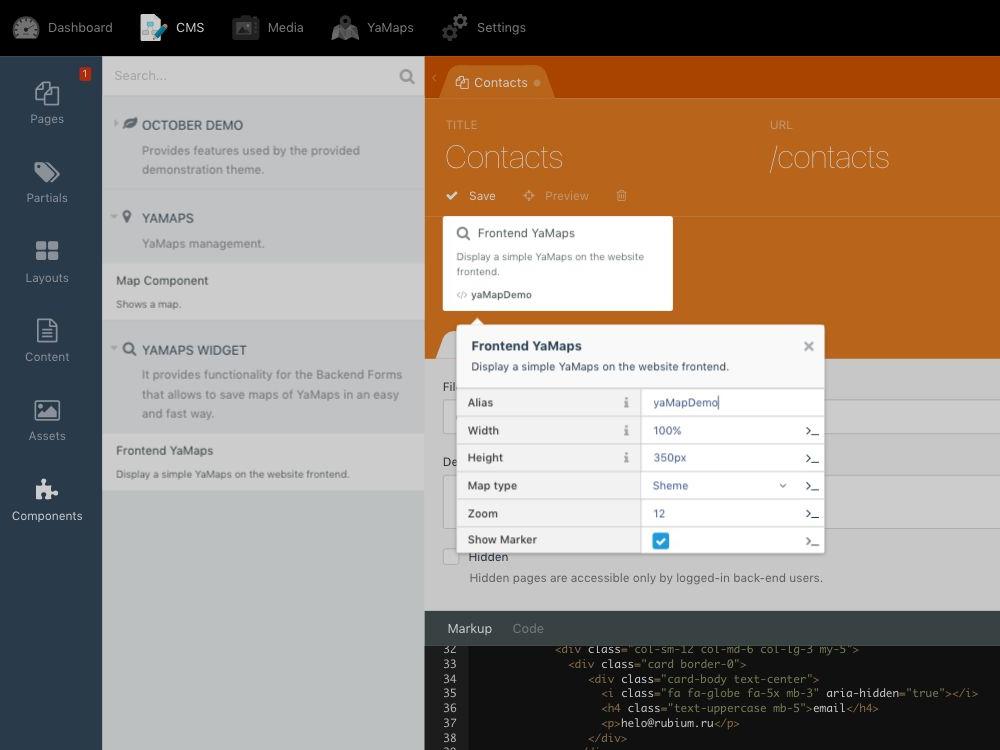
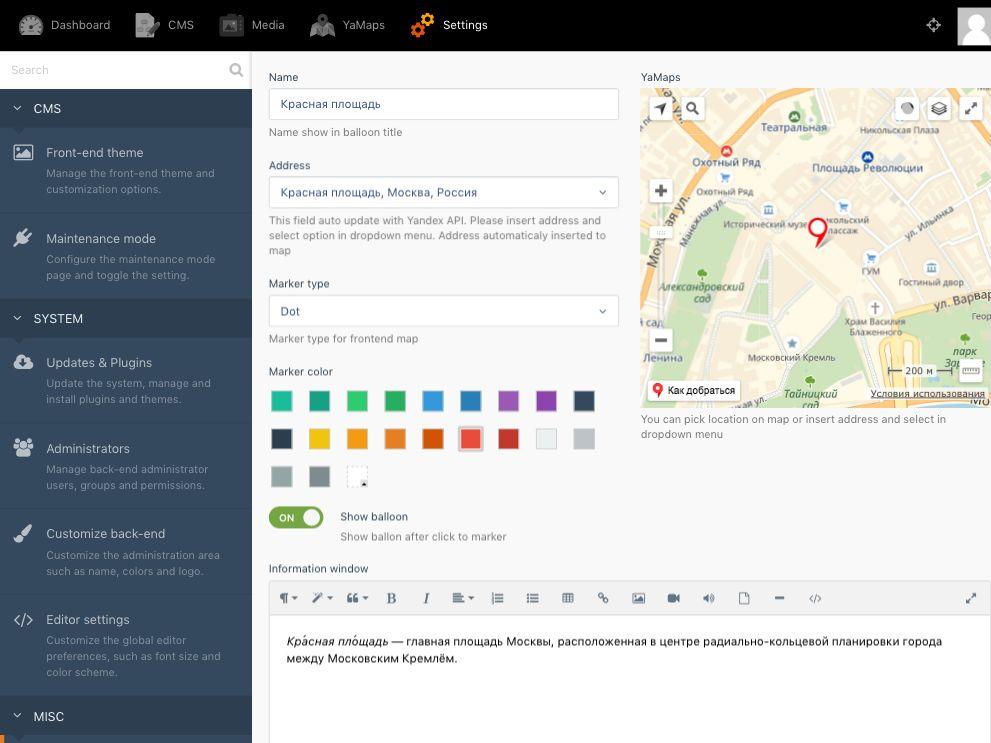
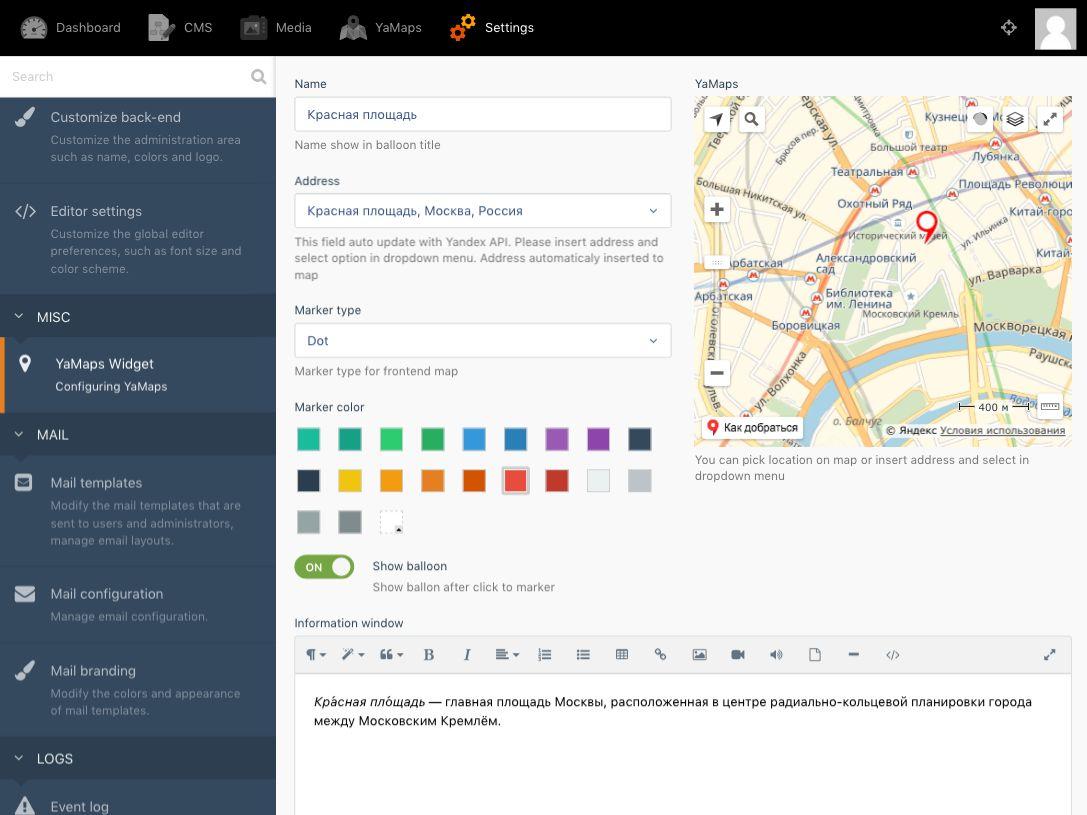
To configure this Plugin goto Backend System then find MISC in left side bar, then click on Widget YaMaps , you will get Configuration options and use component YaMapsDemo to display map in frontend.
Usage
On the Backend Forms
Create a field type yamaps in the fields.yaml file of the model where you want to store the latitude and longitude of a Yandex Maps location.
Example:
map:
    label: 'Yandex Maps'
    type: yamaps
    fieldPosition:
        latitude: '55.75417429118003'
        longitude: '37.62009153512286'
    height: "380px"
    editable: false
    markers: locations #The name of the column in which the markers are stored
address_map:
    label: Address
    type: yaddress
    target: User[location] #Field with type YaMaps. This field find with jQuery and target event 'change-cords'
On the Frontend
[YaMapDemo]
width = "100%"
height = "500px"
mapTypeId = "yandex#map"
zoom = 9
showMarker = 1
==
{% component 'YaMapDemo' %}
-
This plugin has not been reviewed yet.
-
| 1.1.1 |
Add api key support May 05, 2021 |
|---|---|
| 1.0.1 |
First version of Backend Yandex Maps Aug 16, 2018 |