

Facebook Plugin
Allows to chat directly with Facebook messages, display a fanpage box and comments on the website
Facebook Plugin
Allows to chat directly with Facebook messages, display a fanpage box and comments on the website
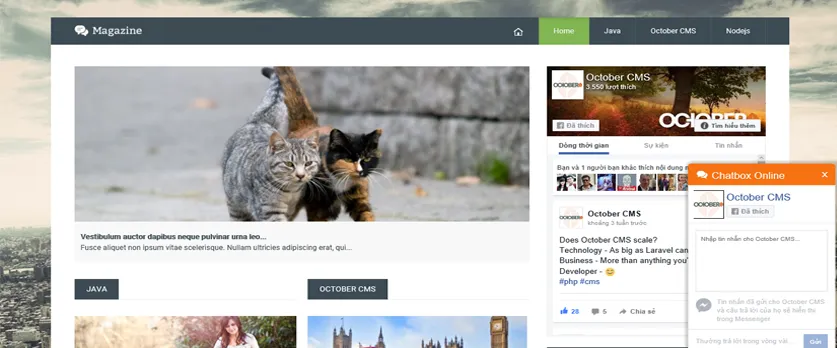
A Facebook integration plugin for OctoberCMS.
This plugins comes with built-in components. These are:
- A Facebook Fanpage box
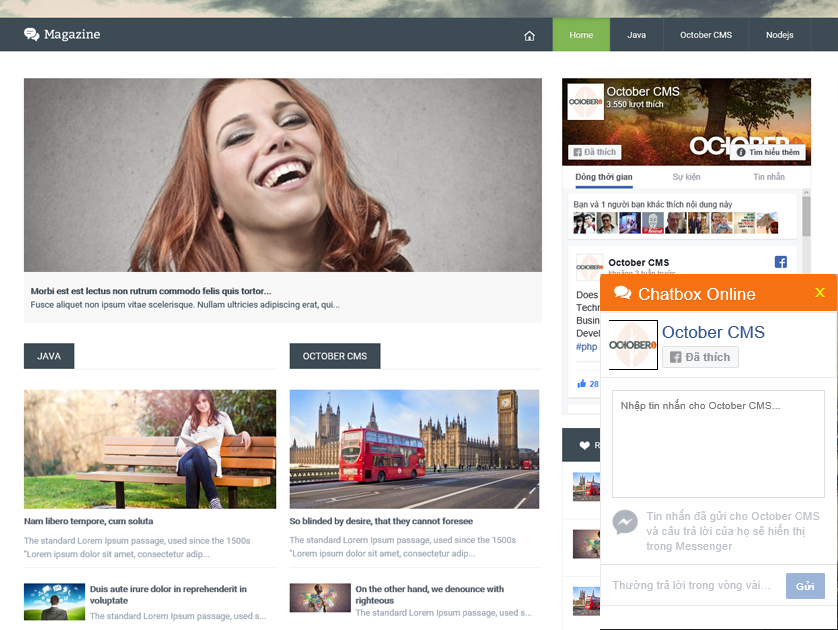
- A Facebook Messages box
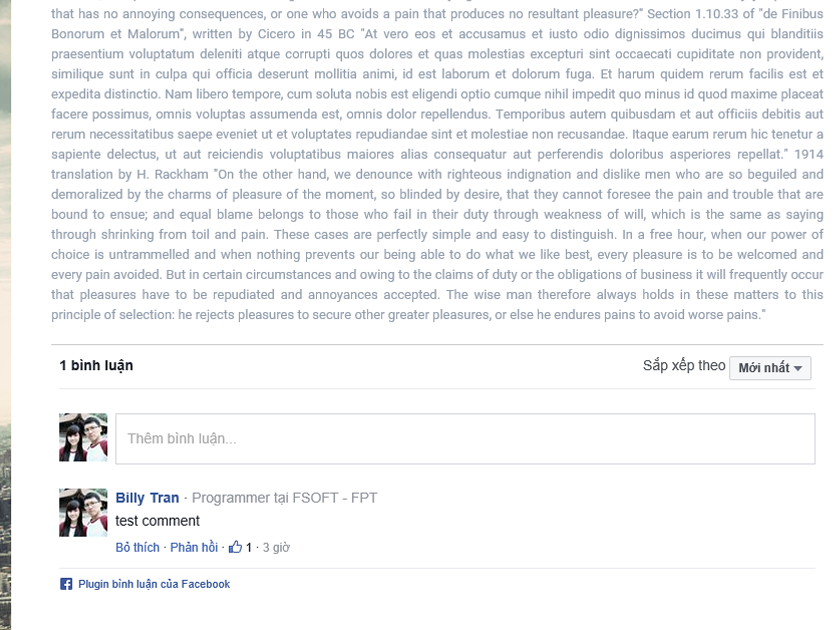
- A Facebook Comments box

Installation via Command Line
php artisan plugin:install Kenshin.Facebook
Installation
Install with October CMS backend GUI.
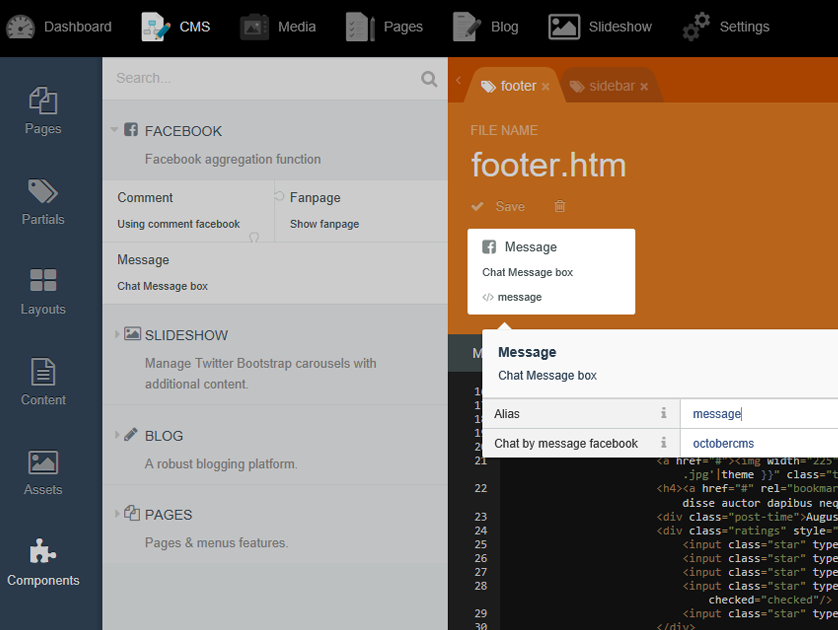
After the installation process, you will find five new components in your CMS area. These can be added to any page or layout, the integration works via the following code:
- With Fanpage box
{% component 'fanpageFacebook' %}
- With Live chat Message
{% component 'message' %}
- With Comment Facebook
{% component 'comment' %}
-

Ankeal code
Oke
-

Datu Shim Mokhtar Aliman
Actually it's pretty useful. You just need to edit the language part inside the plugin. And I think some of it's design is from wordpress which is awkward :P e a c e
-

Juan Timana
I tried to make it work, added the code and the component to my layout file but after that the instructions aren't clear, the documentation is pretty much non-existent. So, for now my review is bad until we get some documentation. I get this is a free plugin, but if you're gonna provide something at least tell people how to use it. Thanks!
-


| 1.0.1 |
- First version Oct 29, 2017 |
|---|