


BlackFox IT Icon Picker
A powerful Font Awesome icon picker form widget for OctoberCMS that makes it easy to select and use Font Awesome icons in your backend forms and Tailor blueprints.
Features
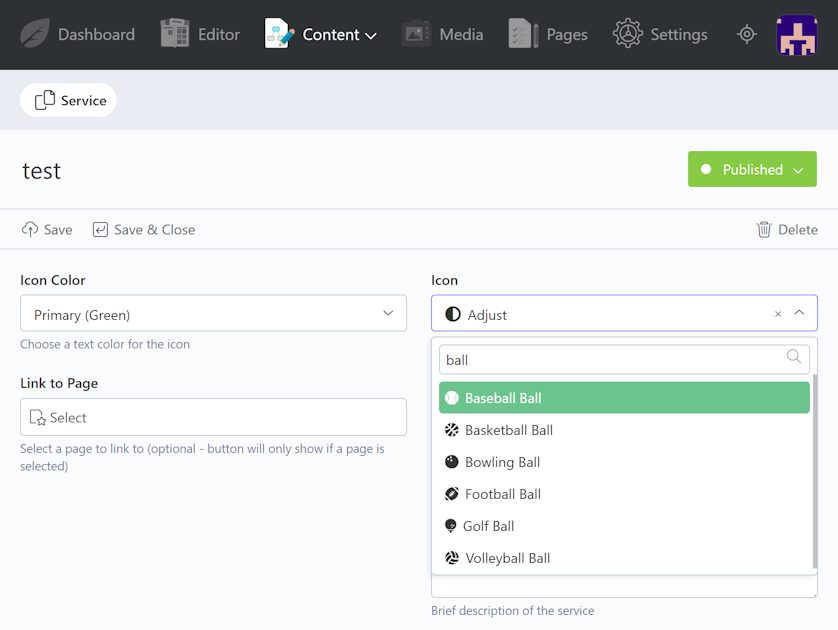
- Searchable Dropdown: Quickly find icons with a searchable dropdown interface
- Visual Icon Preview: See icons displayed in both the dropdown and selected value
- 989 Font Awesome 5 Icons: Includes a comprehensive selection of Font Awesome 5 icons (Solid, Regular, and Brand styles)
- Native OctoberCMS Integration: Dropdowns tie into OctoberCMS for a seamless design.
- Self-Contained: Includes all free Font Awesome 5 assets
- Tailor Compatible: Works seamlessly with Tailor CMS blueprints
- Easy to Use: Simple YAML configuration - just specify
type: iconpicker
Perfect For
Building Tailor entries that allow you, or your clients to choose the icons they want on features of your site. Such as social media links, menu icons or service pages.
Requirements
- OctoberCMS v4
- No additional dependencies required
Quick Start
Add to your Tailor blueprint:
icon:
    label: Icon
    type: iconpicker
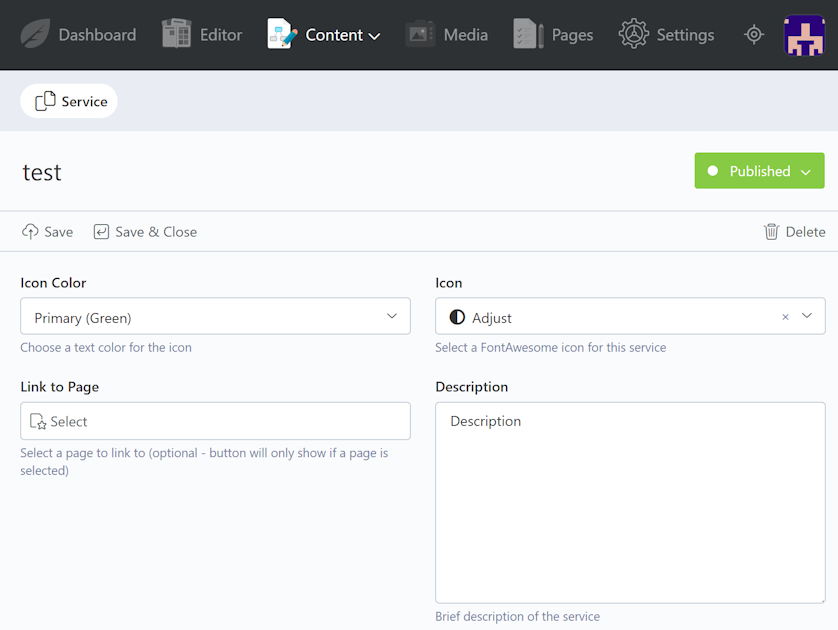
    comment: Select a FontAwesome icon
The plugin stores the FontAwesome class name (e.g., fas fa-hospital) which you can use directly in your templates.
License
MIT License - Use freely in any project.
Support
For support, please open an issue on GitHub or reach out through plugin support link on the page.
Installation via Command Line
php artisan plugin:install BlackFoxIT.IconPicker
BlackFox IT Icon Picker - Documentation
Quick guide to using the Icon Picker form widget in your OctoberCMS project.
Adding to Tailor Blueprints
Add the icon picker field to your Tailor blueprint:
fields:
    icon:
        label: Icon
        type: iconpicker
        comment: Select a FontAwesome icon
Example: Social Media Links
Here's a simple Tailor blueprint example:
uuid: your-unique-uuid-here
handle: Social\MediaLink
type: stream
name: Socal Media Link

title: title
titleColumn: title
reorderable: true

fields:
    title:
        label: Platform Name
        type: text
        required: true

    icon:
        label: Icon
        type: iconpicker
        comment: Select a Font Awesome icon (e.g., fab fa-facebook)

    link:
        label: URL
        type: text
        required: true
Displaying in Templates
The icon picker stores the FontAwesome class name (e.g., fas fa-hospital, fab fa-facebook). Use it in your templates:
[collection socialLinks]
handle = "Social\MediaLink"
==
<div class="social-links">
    {% for link in socialLinks.where('is_published', true).get() %}
        <a href="{{ link.link }}" target="_blank">
            {% if link.icon %}
                <i class="{{ link.icon }}"></i>
            {% endif %}
            {{ link.title }}
        </a>
    {% endfor %}
</div>
Icon Format
Icons are stored in standard Font Awesome format:
- Solid:
fas fa-icon-name(e.g.,fas fa-hospital) - Regular:
far fa-icon-name(e.g.,far fa-heart) - Brand:
fab fa-icon-name(e.g.,fab fa-facebook)
Use the stored class name directly in your templates: {{ entry.icon }}
-
This plugin has not been reviewed yet.
-
| 1.0.0 |
Initial release - FontAwesome icon picker form widget for OctoberCMS Nov 22, 2025 |
|---|