

Rihan Model - OctoberCMS Theme
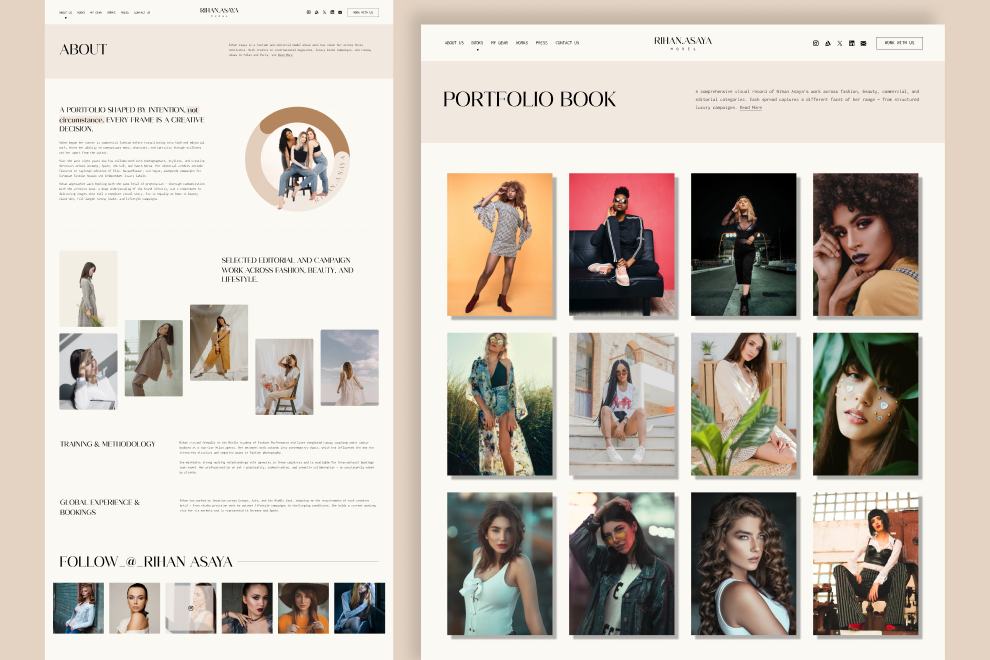
Rihan Model is a premium OctoberCMS Theme built for photographers, models, creators, influencers, and personal brands. It provides a clean, modern portfolio experience with flexible layouts, reusable partials, and business inquiry forms, making it easy to showcase your work, press coverage, books, and professional gear.
Pages of Rihan Model
The Rihan Model theme includes a complete set of pages for building a professional portfolio website:
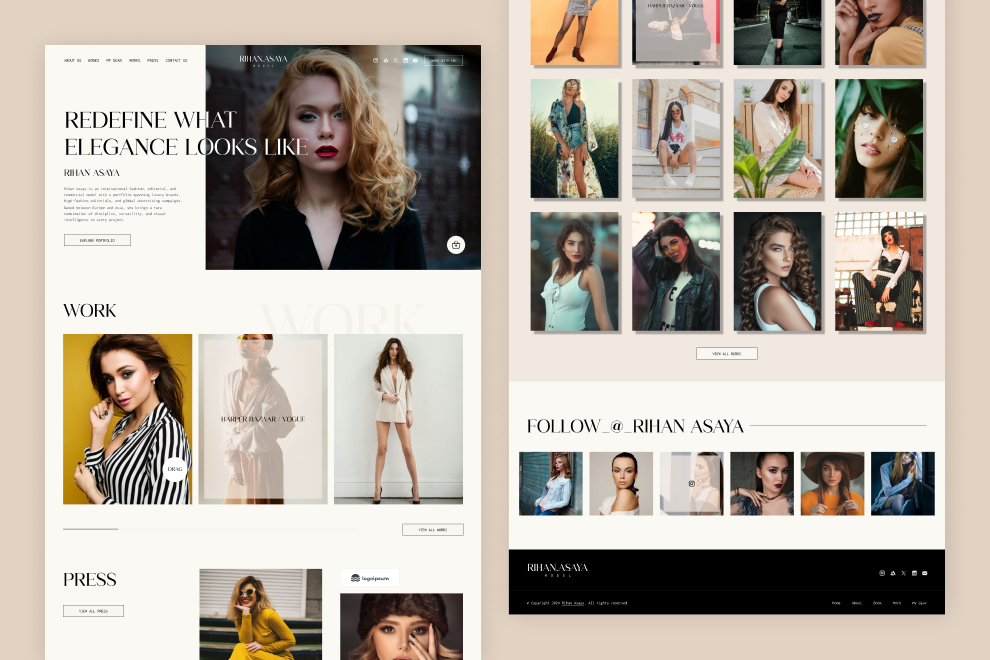
- Home Page
- About Us Page
- Press
- Press Listing
- Press Detail
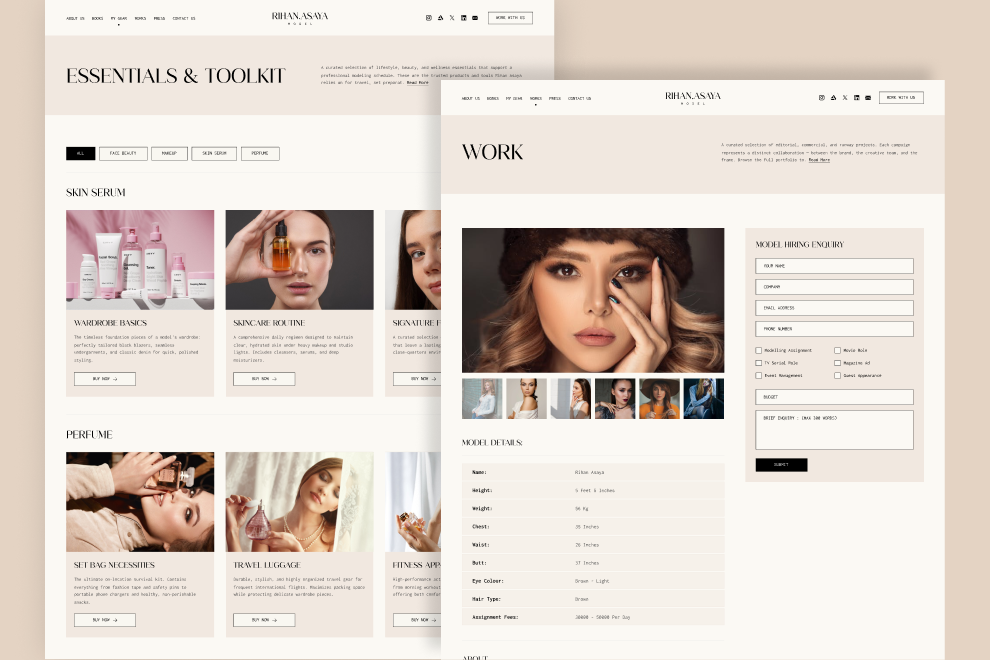
- Work
- Work Listing
- Work Detail
- My Gear
- Books
- Work With Us
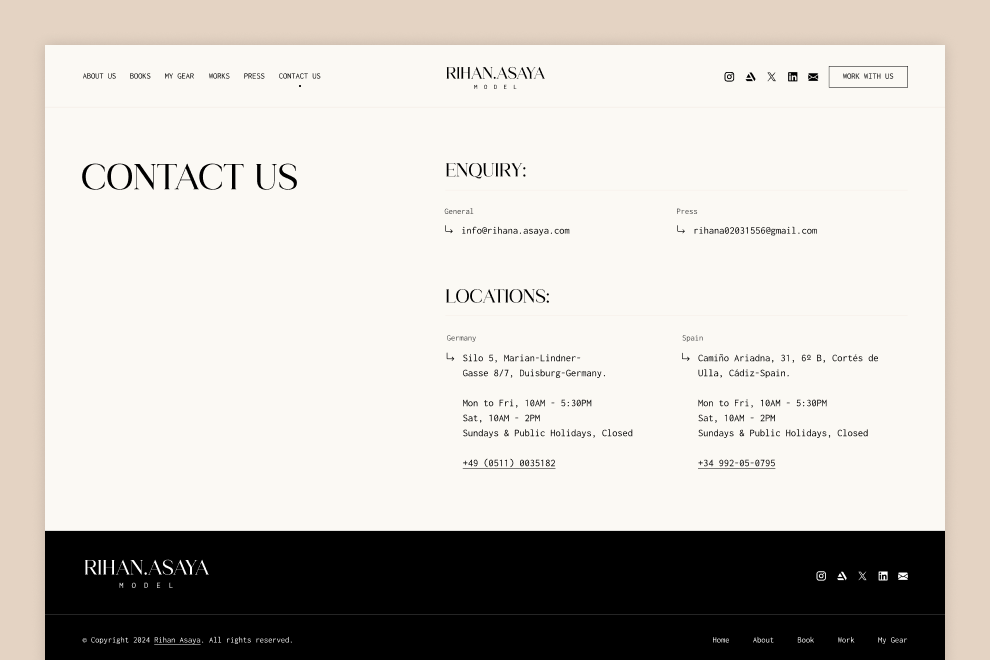
- Contact Us
Theme Structure
Organize your content using built-in OctoberCMS architecture:
- Pages – Manage your website pages and navigation.
- Layouts – Core structural templates (
default.htm). - Partials – Reusable Twig components (headers, footers, sections).
- Blueprints – Custom fields and form configurations tailored for OctoberCMS.
- Assets – Built with Tailwind CSS and compiled via PostCSS for maximum performance.
Features of Rihan Model
- Flexible Layouts – Easily create beautiful pages using reusable Twig partials and content blocks.
- Portfolio Ready – Designed specifically for creators, photographers, models, and personal brands.
- Press Management – Publish interviews, articles, and media coverage with dedicated listing and detail pages.
- Gear Showcase – Display your favorite equipment with categories and product details.
- Business Inquiry Forms – Ready-to-use contact forms for collaboration and press requests.
- Global Configuration – Manage headers, footers, branding, and site-wide settings easily.
- Responsive Design – Fully optimized for desktop, tablet, and mobile devices using Tailwind CSS.
- Clean & Reusable Components – Modular templates for easier customization and maintenance.
Control Panel Forms
- Business Promotion Forms
Global Settings
- Header
- Footer
- Menus
- Form
- Social Share
- Other Settings

Installation via Command Line
php artisan theme:install WebbyCrown.rihan-model
Installation Instructions
1. Install theme via admin panel or from terminal using command:
php artisan theme:install WebbyCrown.rihan-model
2. Activate the Theme
- Go to Settings → Frontend Theme → Site Theme
- Select and activate "rihan-model"
3. Register Tailor Blueprints
php artisan tailor:refresh
php artisan tailor:list
4. Seed the Theme Data
php artisan theme:seed rihan-model
5. Seed Media via Tinker
php artisan tinker
require base_path('themes/rihan-model/seeds/MediaSeeder.php');
seedMediaImages();
-
This theme has not been reviewed yet.
-
| 1.0.1 |
Initial release of the Rihan Model theme. Jul 28, 2026 |
|---|