

PetsPlay Theme for OctoberCMS
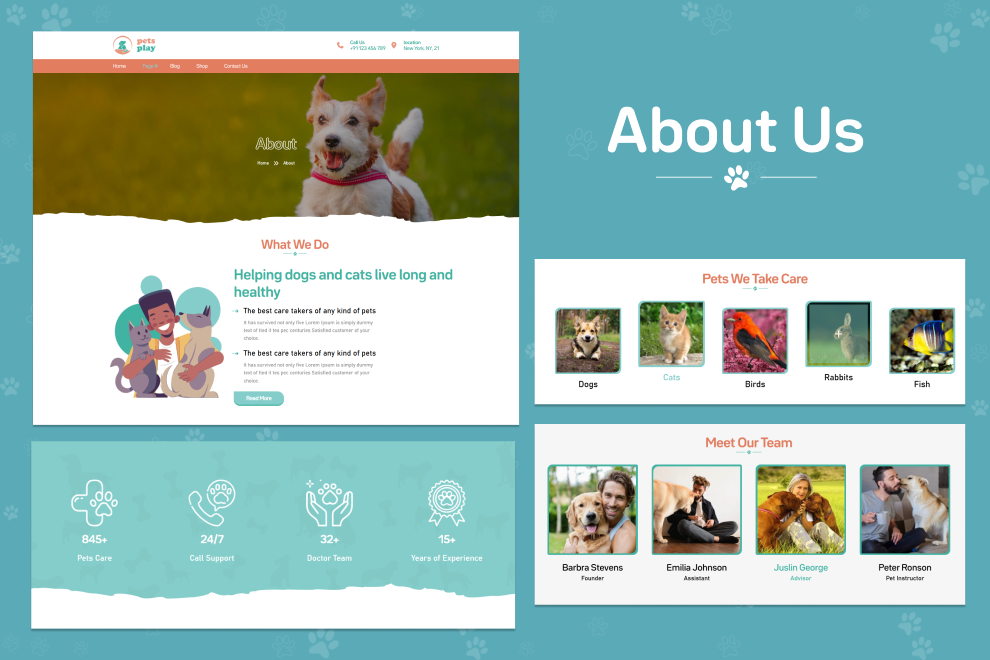
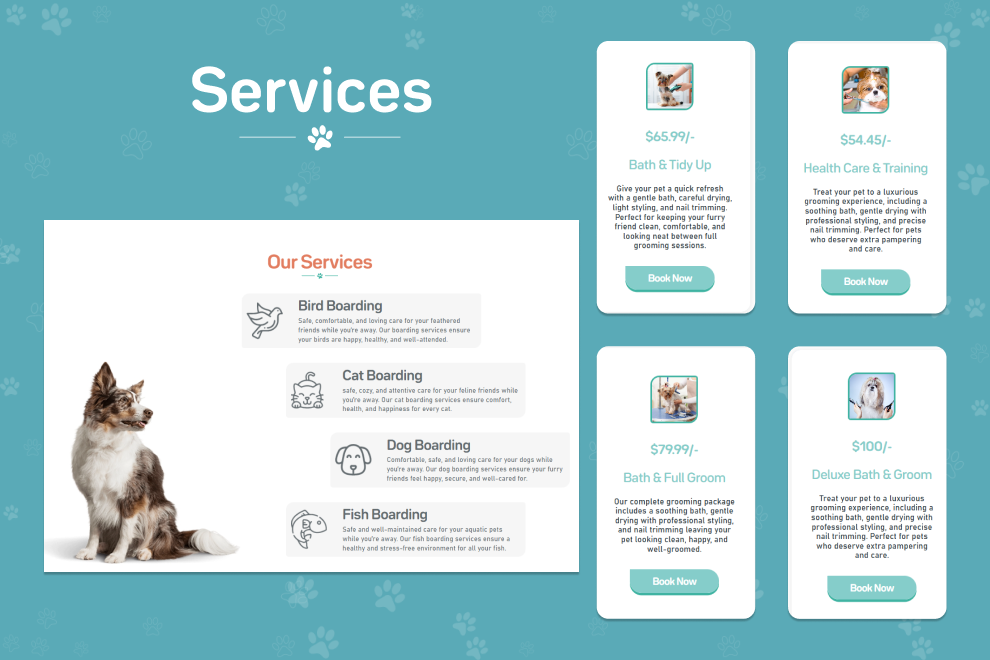
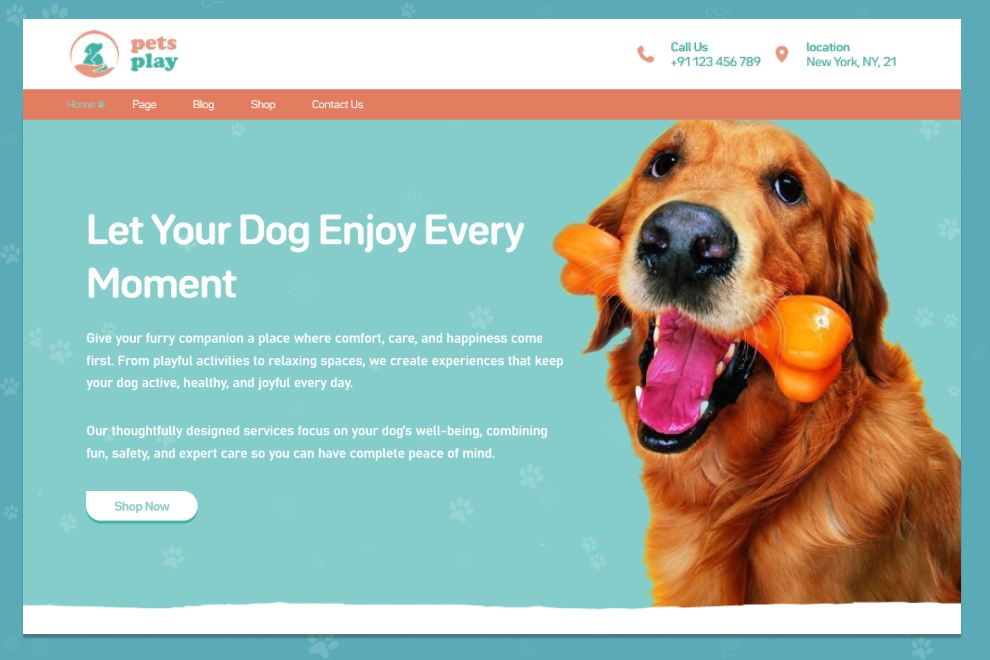
At PetsPlay theme, we make it easy to build stunning websites with zero hassle. Our theme comes packed with customizable sections for blogs, services, products, and more so you can focus on content, not complexity.
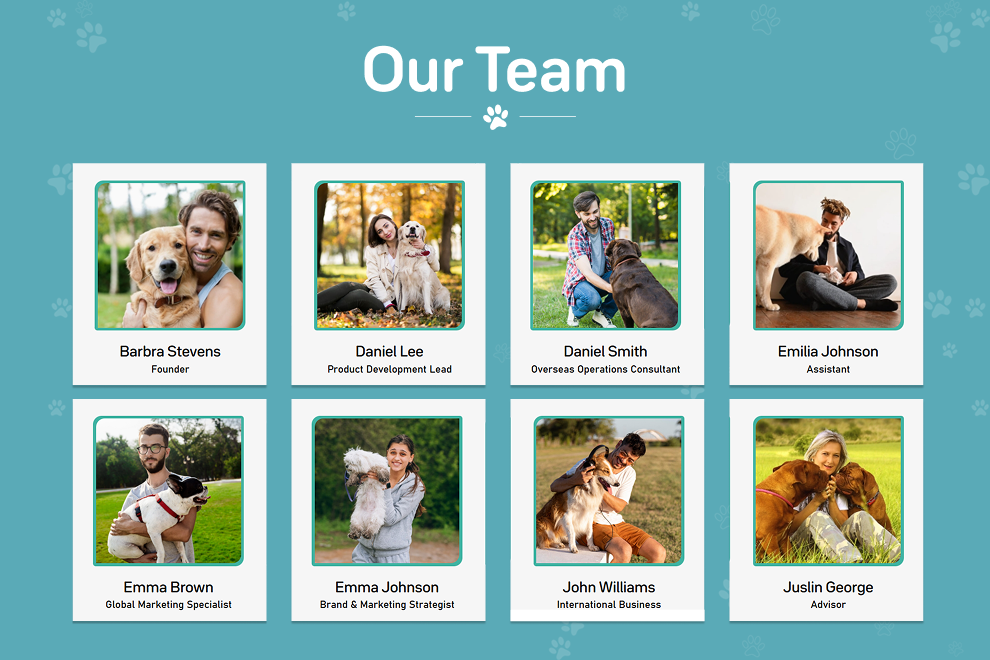
Pages of PetsPlay
- Home Page
- About Us Page
- Blogs Page
- Single Blog Page
- Service Page
- Single Services Page
- Contact Us Page
- Team Page
- Gallery Page
- Shop Page
- Single Product Page
- 404 Page
Features of PetsPlay
-A rich selection of sets for building your site:
- Hero Section
- Blog Story Section
- Blog Category Section
- Service Story Section
- Service Category Section
- Testimonials Section
- Team Section
Control Panel Forms
- Product Comments
- Contact Form
- Newsletter Subscription
Global Settings
- Global Settings
- Footer Settings

Installation via Command Line
php artisan theme:install WebbyCrown.petsplay
Installation Instructions
1. Install theme via admin panel or from terminal using command:
php artisan theme:install WebbyCrown.petsplay
2. Activate the Theme
- Go to Settings → Frontend Theme
- Select and activate "petsplay"
3. Register Tailor Blueprints
php artisan tailor:refresh
php artisan tailor:list
4. Refresh the Plugin (if included)
cp -r themes/webbycrown-petsplay/plugins/acme /your/project/path/plugins
rm -rf themes/webbycrown-petsplay/plugins
php artisan plugin:refresh Acme.Menu
5. Seed the Theme Data
php artisan theme:seed petsplay
6. Seed Plugin Data (Menu Items etc.)
php artisan db:seed --class="Acme\\Menu\\Updates\\MenuItemsTableSeeder"
7. Seed Media via Tinker (Optional)
If using media seeder:
php artisan tinker
Then in the shell:
require base_path('themes/webbycrown-petsplay/seeds/MediaSeeder.php');
seedMediaImages(); // if this is a global function
-
This theme has not been reviewed yet.
-
| 1.0.0 |
Initial release of the petsplay theme Dec 30, 2025 |
|---|