

Journea Theme for OctoberCMS
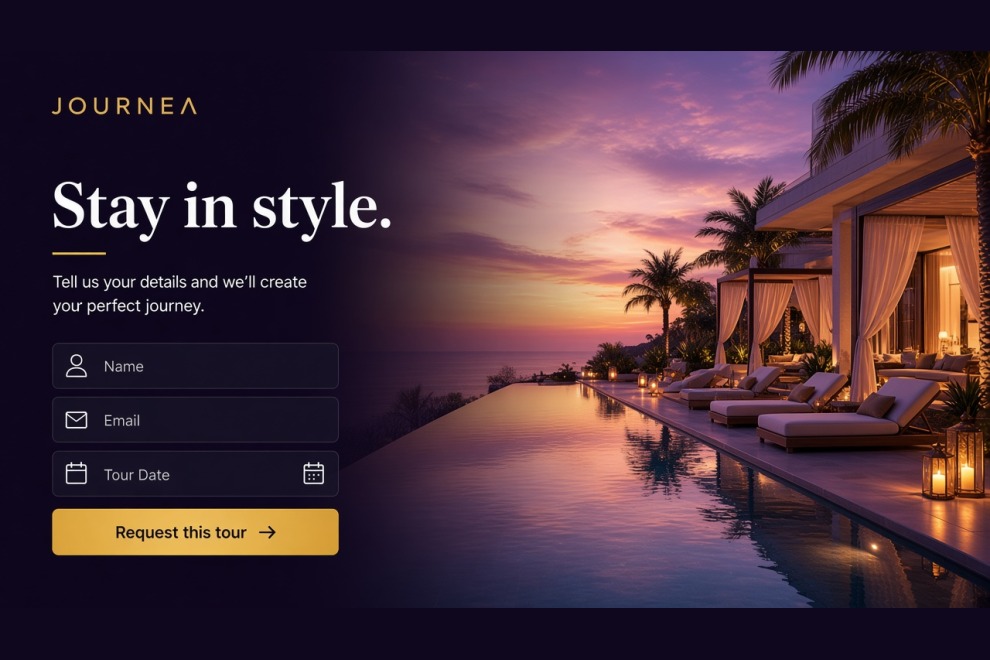
Journea is a modern travel-focused OctoberCMS theme tailored for tour operators, destination marketers, and booking-led travel brands. It features responsive landing pages, Tailor-powered tours, destinations, hotels, and blogs, plus inquiry forms, a demo booking path, customer account pages, and reusable page sections.
Pages in Journea Theme
- Home Page (3 variants)
- Tours Page (3 variants)
- Tour Detail Page
- Destinations Page (2 variants)
- Destination Detail Page
- Hotels Page
- Hotel Detail Page
- Booking Cart Page
- Booking Contact Page
- Booking Payment Page
- Booking Complete Page
- Booking Dashboard Page
- Booking History Page
- Booking Detail Page
- Blog Page (3 variants)
- Blog Detail Page
- Gallery Page (2 variants)
- Portfolio Page
- Team Page
- Team Detail Page
- Testimonials Page
- FAQ Page
- About Us Page
- Contact Us Page
- Login Page
- Register Page
- Forgot Password Page
- Reset Password Page
- 404 Error Page
Features of Journea
- Tailor-powered dynamic content with tours, destinations, hotels, blogs, and reusable sections
- Responsive modern layout built for travel agencies and tour operators
- Modular section-based architecture including:
- Hero and full-video sections
- Popular tours and top destinations sections
- About and why-choose-us sections
- Perfect travel / featured trip sections
- Testimonial and latest blog sections
- Footer gallery and global site settings
- Demo booking path with cart, coupons, card, Stripe, and PayPal checkout
- Customer account pages for login, register, dashboard, and booking history
- Tailor-driven forms for contact, newsletter subscription, tour inquiry, and booking requests
Installation via Command Line
php artisan theme:install WebbyCrown.journea




Installation via Command Line
php artisan theme:install WebbyCrown.journea
Installation Instructions
1. Install the theme
php artisan theme:install WebbyCrown.journea
2. Activate the theme
- Go to Settings → Frontend Theme
- Select and activate Journea Theme
3. Register Tailor blueprints
php artisan tailor:refresh php artisan tailor:list
4. Seed the theme data
php artisan theme:seed webbycrown-journea
5. Seed plugin data (if available)
php artisan db:seed --class="Acme\Menu\Updates\MenuItemsTableSeeder"
6. Seed media via Tinker (optional)
php artisan tinker
Then in the Tinker shell:
require base_path('themes/webbycrown-journea/seeds/MediaSeeder.php'); seedMediaImages();
-
This theme has not been reviewed yet.
-
| 1.0.0 |
Initial release of the Journea travel agency theme Sep 15, 2026 |
|---|