


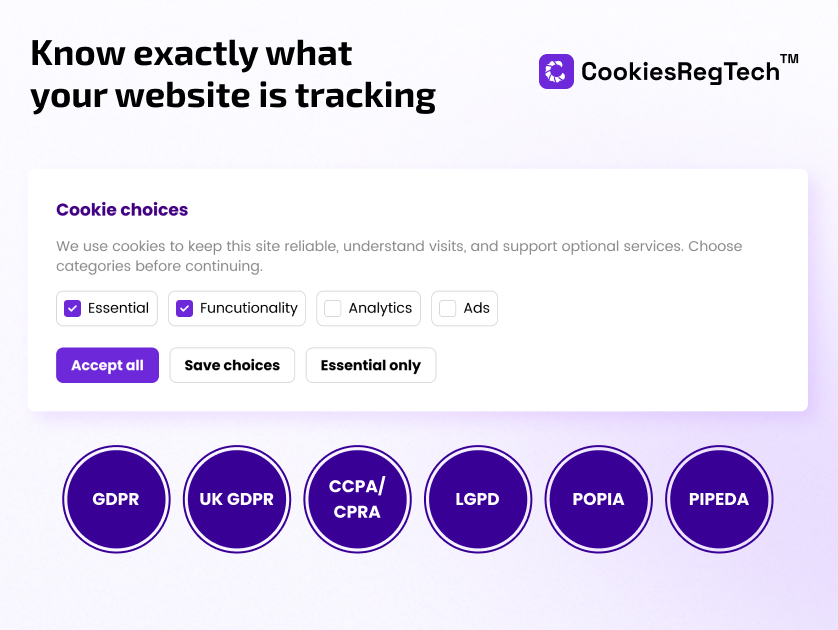
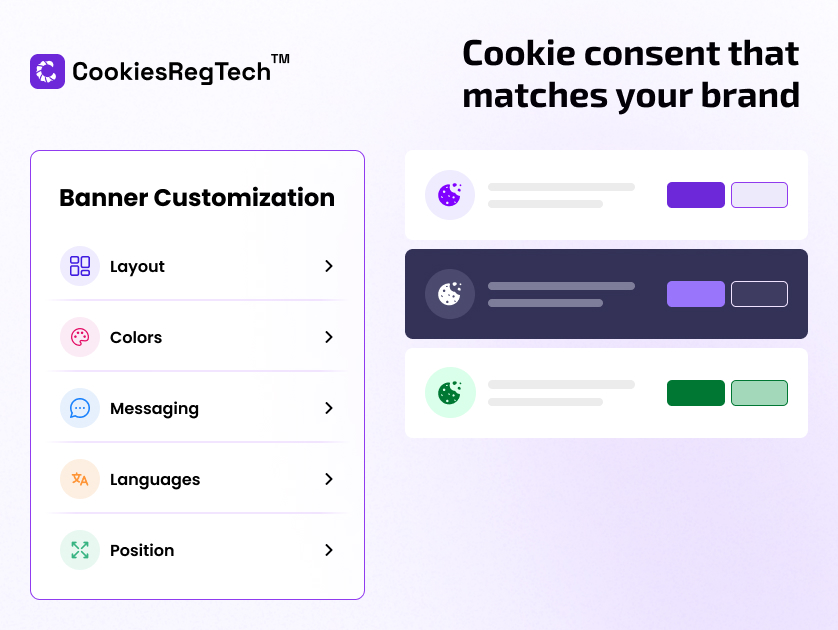
CookiesRegTech shows an accessible cookie consent banner on the website, blocks known trackers until the visitor agrees, signals Google Consent Mode before analytics run, and keeps a consent log that can be exported as proof.
This plugin connects the WordPress site to a CookiesRegTech account and installs the consent script in the correct position (before analytics and tag managers) automatically — the step most manual installations get wrong.
Free plan included. A free account gives a working banner, consent logging, manual cookie scans, layout and color customisation, and 5,000 recorded pageviews per month. Paid plans add scheduled full-site scans, geo-targeted banners, custom CSS, and higher limits — upgrades happen in the CookiesRegTech dashboard, never inside this plugin.
Features
- One-click connect: enter an email on the settings page — a free account is created and the banner goes live, no copy-pasting required
- Opt-in (GDPR-style) and opt-out (US-style) consent templates, with geo-targeting on paid plans
- Automatic blocking of known advertising and analytics trackers until consent
- Google Consent Mode v2 signals set before Google tags execute
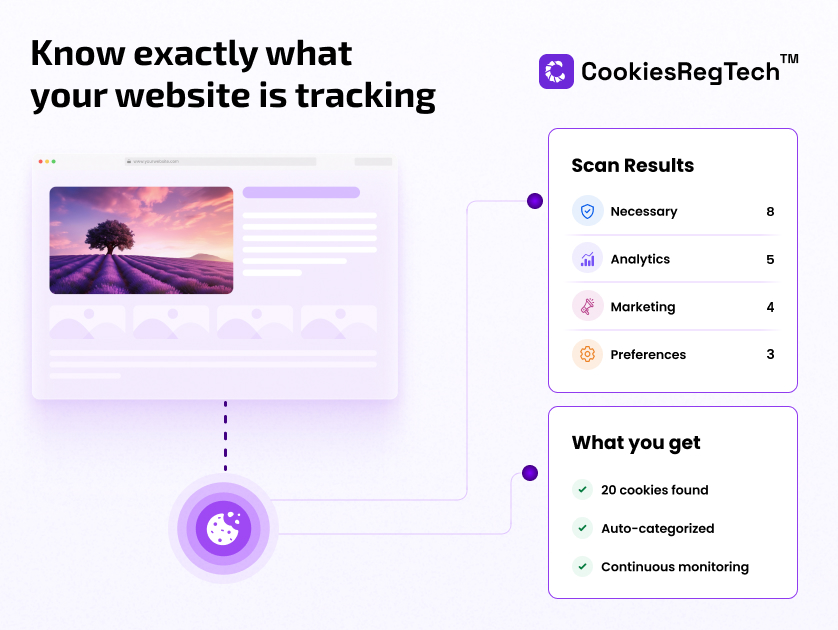
- Cookie scanner that discovers and categorises the cookies the site sets, with the detected list shown right on the settings page
- Signed-in jumps from WordPress admin straight into the consent dashboard
- Consent log with export, as required for GDPR accountability
- Accessible by design: WCAG 2.2 AA contrast, keyboard support, 44px targets
Installation via Command Line
php artisan plugin:install SkynetTechnologies.CookiesRegTech
Setup
Install Plugin
- Plugin:install - downloads and installs the plugin by its name. The next example will install a plugin called CookiesRegTech plugin.
php artisan plugin:install skynettechnologies.cookiesregtech-plugin- You may install a plugin from a remote source using the --from option.
php artisan plugin:install skynettechnologies.cookiesregtech-plugin--from=git@github.com:skynettechnologies/octobercms-cookiesregtech-plugin.git- Use the --want option to specify a target branch or version.
php artisan plugin:install skynettechnologies.cookiesregtech--from=git@github.com:skynettechnologies/octobercms-cookiesregtech-plugin.git --want=dev-mainCORS Policy Configuration
To avoid CORS policy issues, ensure the following URLs are allowed in your website. These URLs should be added to your CORS configuration or trusted domains list.
| Domain | Description | Usage |
|---|---|---|
https://www.cookiesregtech.com |
CookiesRegTech (Global Domain) | API access and resources |
Instructions
- Update your server's CORS configuration to include these URLs.
- Ensure wildcard subdomains (
*) are supported where necessary. - Verify the application functionality by testing requests to these domains.
- If issues persist, consult the documentation for CORS configuration guidance.
-
This plugin has not been reviewed yet.
-
| 1.0.0 |
First version of CookiesRegTech for October CMS. Sep 21, 2026 |
|---|