


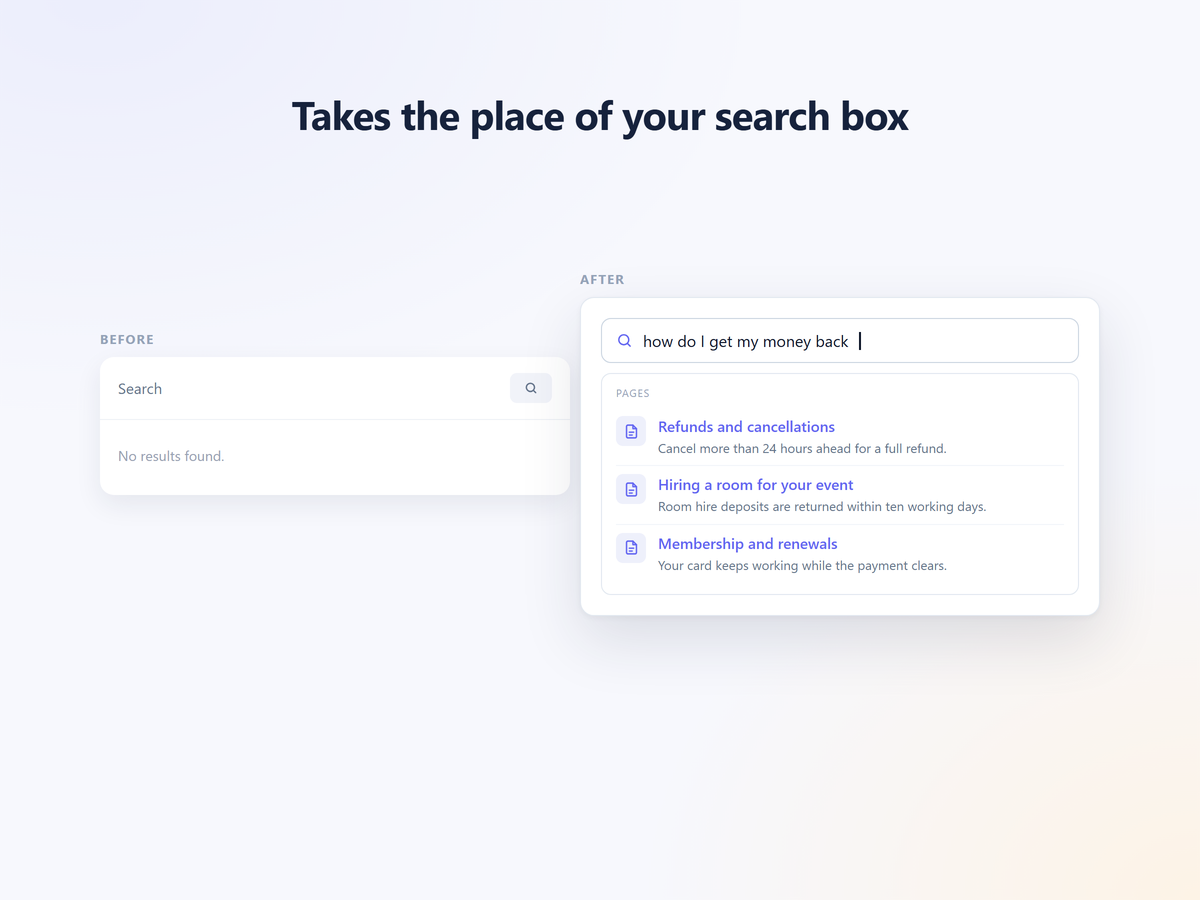
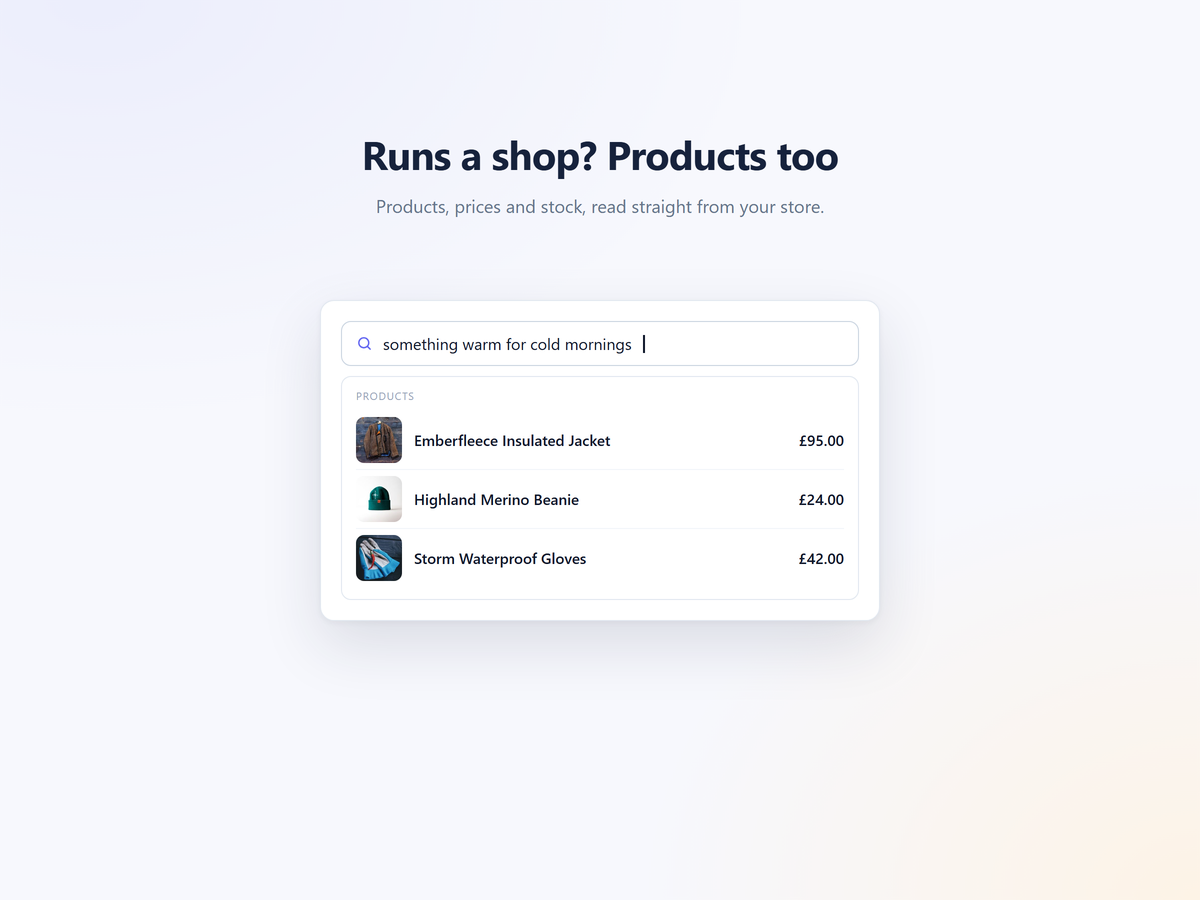
Asyntai AI Search adds an AI search bar to your October CMS site. Visitors describe what they want, in their own words, and the bar finds the page they mean, not just the pages that share their exact words.
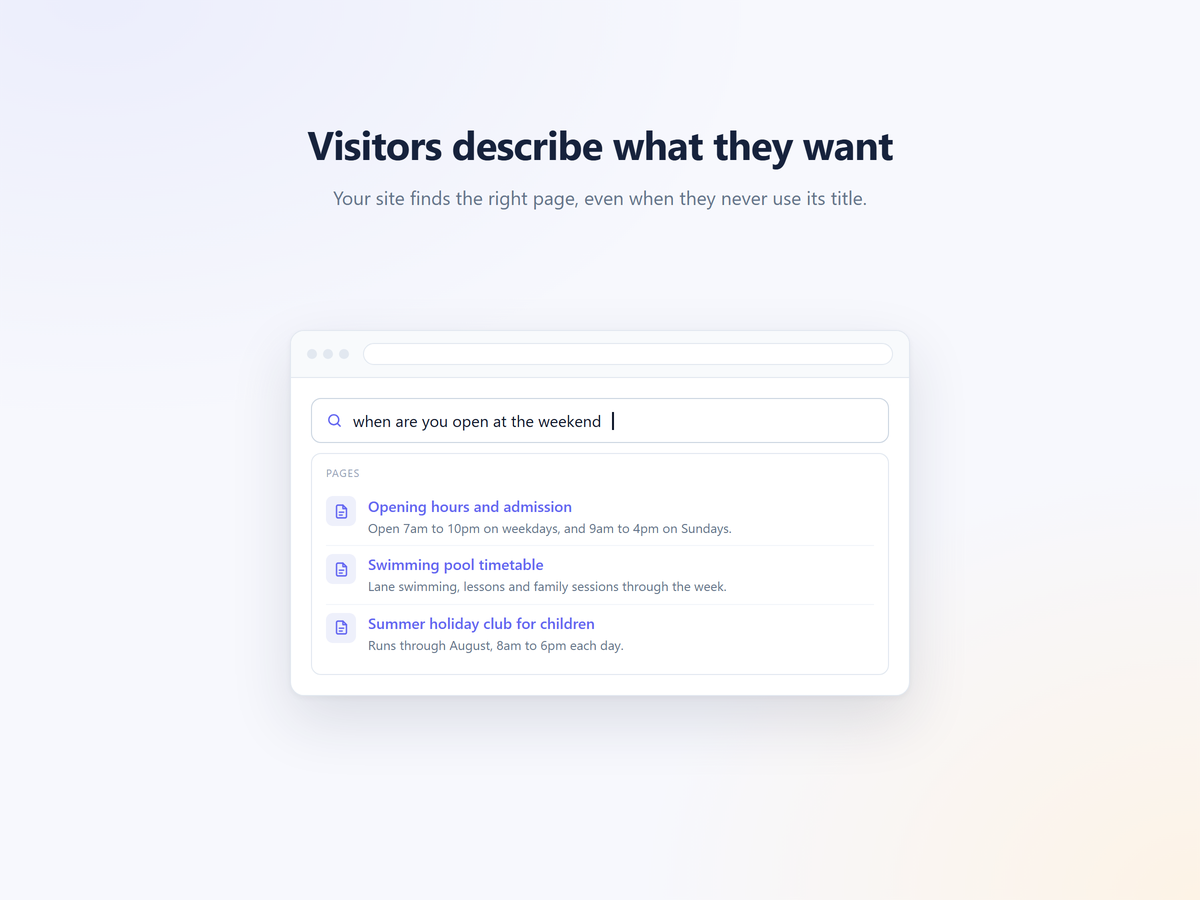
Somebody types "when are you open at the weekend" and the bar finds your Opening hours page, although not one of those words is in its title. It reads your pages, posts and products, so there is nothing to paste and no API key to create.
What it does
- Finds pages, posts and products by meaning, not just by exact words.
- Takes the place of the search box your theme already shows, or renders where you put it with the Asyntai AI Search Bar component or the
{{ asyntai_search_bar() }}Twig function. - Falls back to your usual search page when a visitor presses Enter without picking a result.
- Shows nothing until Asyntai has read your site, so visitors never see a bar that cannot answer.
- Works on any plan, including the free one. Searches and chat replies share one monthly allowance.
Setup
- Install the plugin and open Settings, then Asyntai AI Search.
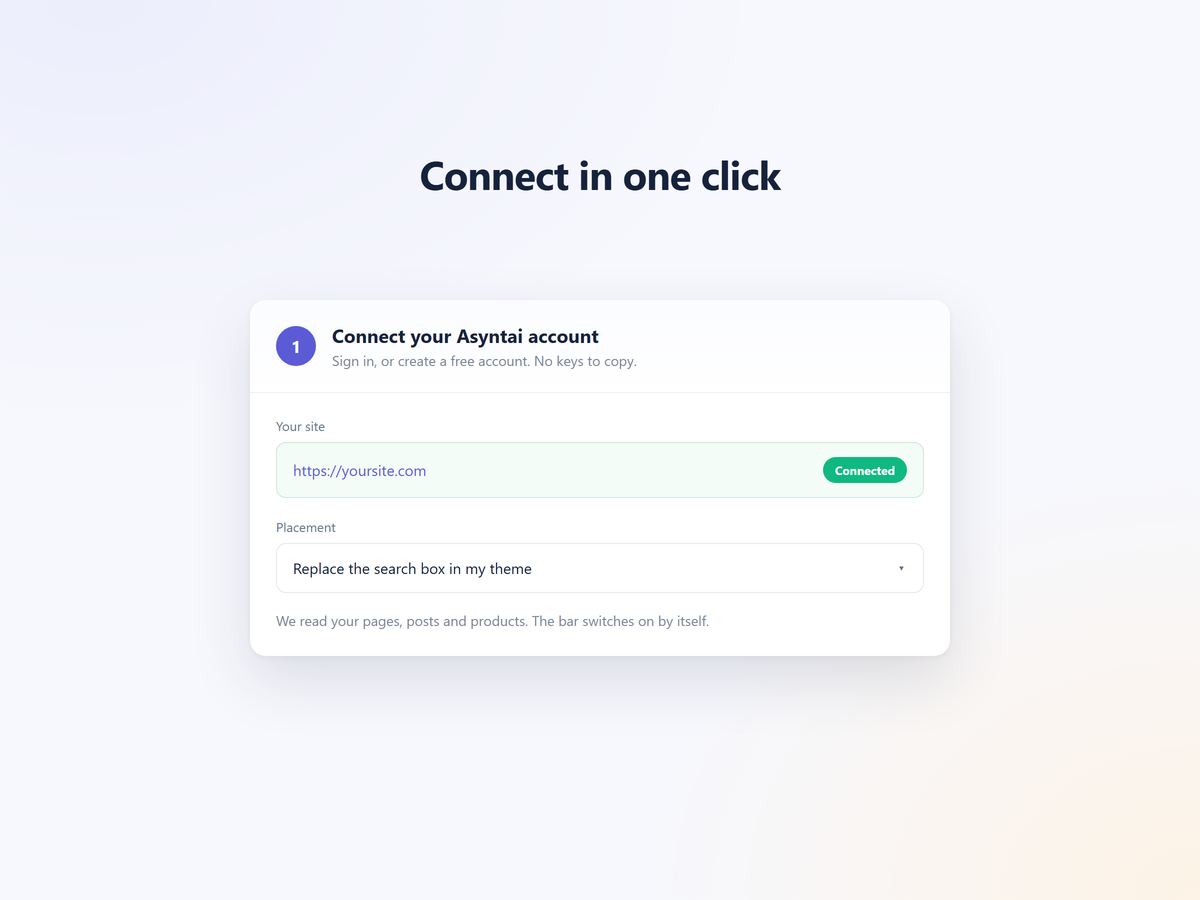
- Press Connect Asyntai. Sign in, or create a free account.
- Wait a few minutes while we read your site. The bar switches on by itself.
Full guide: https://asyntai.com/documentation/october-ai-search/
Installation via Command Line
php artisan plugin:install Asyntai.Search
Requirements
- October CMS 3.0 or later, or 4.0 or later.
- PHP 7.4 or later, with the curl extension.
- Your server must be able to make outgoing HTTPS requests.
Installing
From the October CMS Marketplace, add Asyntai AI Search to your project. Or with Composer:
composer require asyntai/search-plugin
php artisan october:migrate
Connecting
- In the backend, open Settings, then Asyntai AI Search under Asyntai.
- Press Connect Asyntai and sign in, or create a free account.
- Wait a few minutes while we read your site. The plugin screen tells you when the bar is live.
Where the bar goes
In place of my search box (the default). The bar finds the search form your theme already renders and takes its place. If a visitor presses Enter without picking a result, your usual search page still opens.
Only where my theme puts it. Add the Asyntai AI Search Bar component to a page or layout, or print it from any template:
{{ asyntai_search_bar() }}
Both print nothing while the bar is off, so your theme is left exactly as it was.
Settings
- Search box to replace. Leave empty and we find it. Fill in a CSS selector only if we pick the wrong one.
- Placeholder text. Leave empty and each visitor sees it in their own language.
- Accent colour. Leave empty to use the colour set in your Asyntai dashboard.
Disconnecting
Press Disconnect this site on the plugin screen. The bar stops at once and your usual search takes over. Removing the plugin removes everything it added, including its own database table.
-
This plugin has not been reviewed yet.
-
| 1.0.0 |
First release Sep 11, 2026 |
|---|