

AnveVoice
Add a real-time AI voice agent to your October CMS website in minutes. Supports 50+ languages.
AnveVoice
Add a real-time AI voice agent to your October CMS website in minutes. Supports 50+ languages.
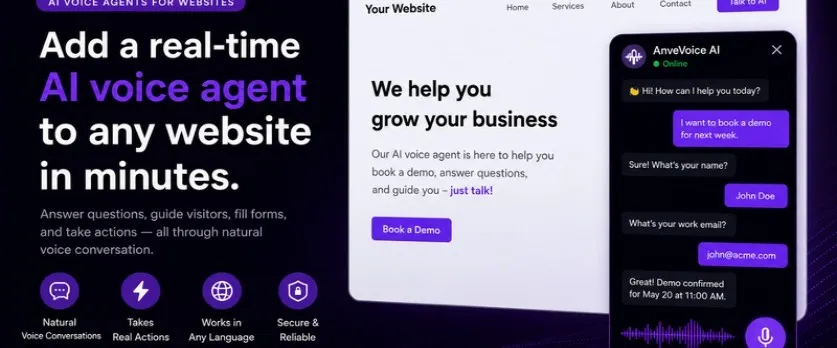
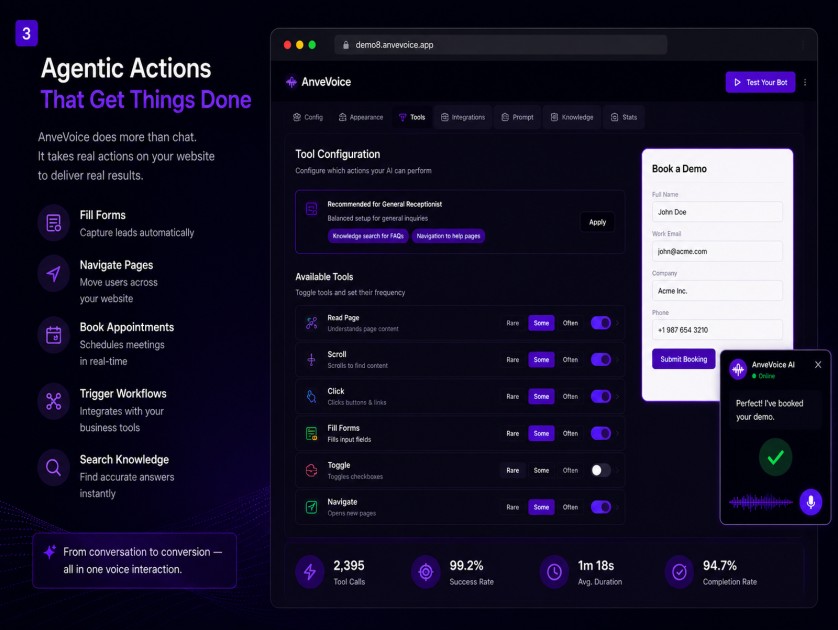
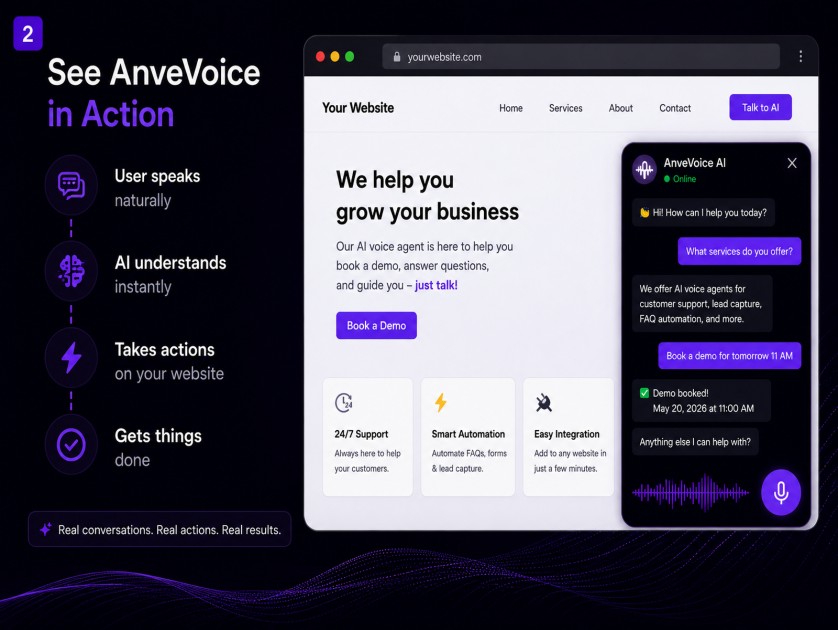
AnveVoice adds a real-time AI voice agent to your October CMS website in minutes. Visitors can ask questions, book demos, fill forms, and take actions through natural voice conversation. Supports 50+ languages including Hindi and other Indian languages. No coding required — just install, paste your Embed ID, and go live.
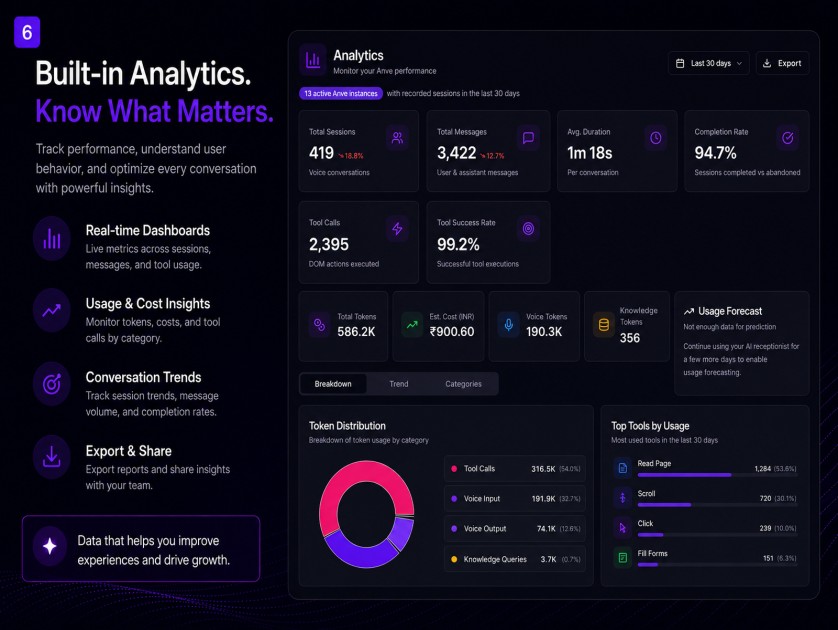
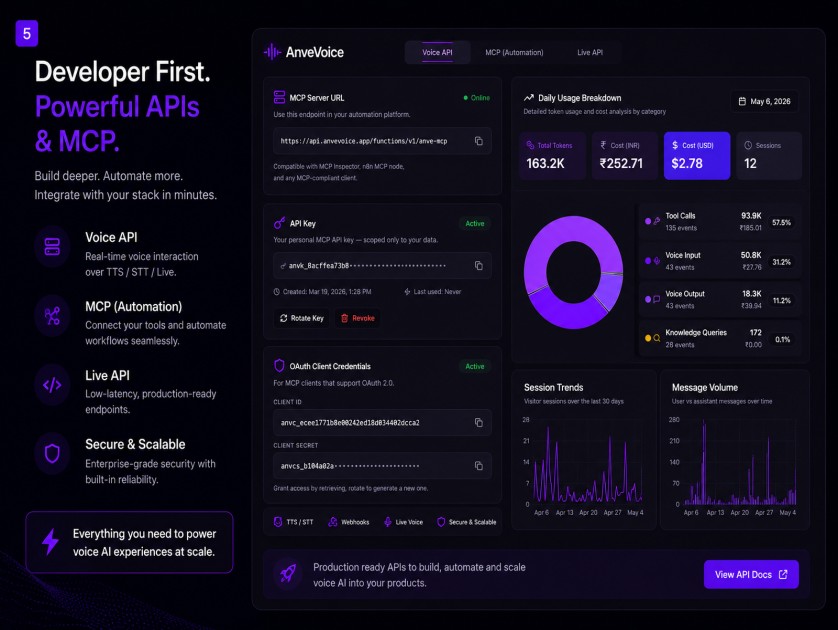
Installation via Command Line
php artisan plugin:install AnveVoice.Voicewidget
- Install the plugin from October CMS Marketplace
- Go to Settings → AnveVoice Settings
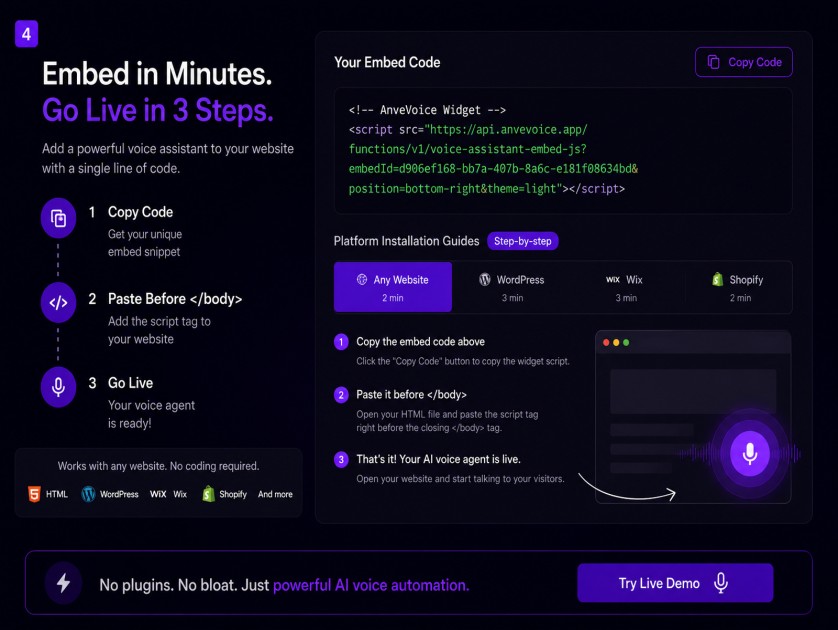
- Paste your Embed ID from app.anvevoice.app
- Choose widget position and theme
- Save — voice widget appears on all pages
-
This plugin has not been reviewed yet.
-

| 1.0.1 |
First version of AnveVoice Voice AI plugin for October CMS Jul 27, 2026 |
|---|
= 1.0.1 =
Initial release of AnveVoice — Voice AI for Websites.
Features included in this version:
- Real-time AI voice conversations
- 50+ language support
- Widget position options (bottom-right, bottom-left, top-right, top-left)
- Light and dark theme support
- Simple settings page — just paste your Embed ID and go live
To get started:
- Sign up free at app.anvevoice.app
- Create your voice assistant
- Copy your Embed ID
- Go to Settings → AnveVoice Settings in October CMS
- Paste the Embed ID and save